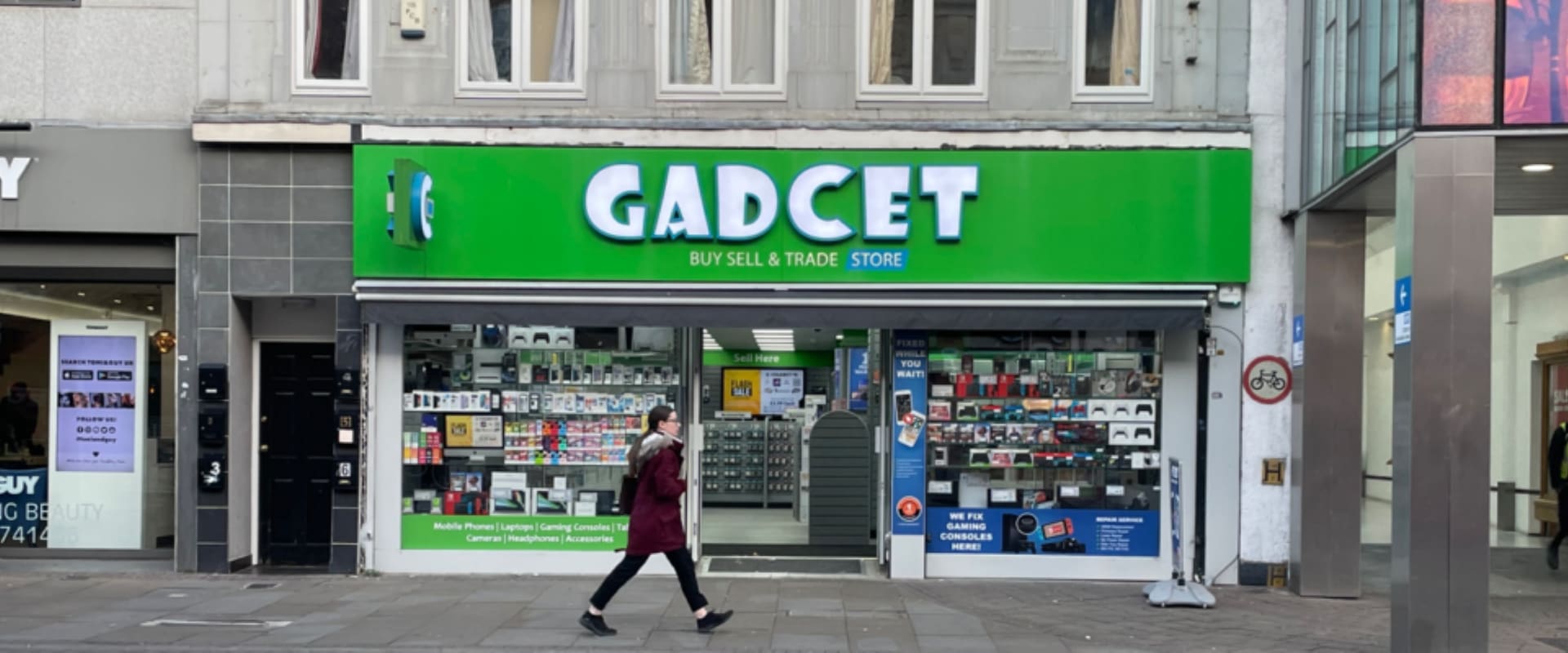
Nearest
Romford
61-63 South Street, RM1 1NLOpening hours
ServicesMobile phonesTabletsLaptopsGaming consoles
Translated automatically by Google. When you pick a language, the page text is sent to Google.
Laptops repair
Cleaning and servicing the cooling system on hot or noisy devices.
If any of these describe your Acer laptop, this is the repair you need.
We strip and clean the cooling system, clear dust from the heatsink and vents, replace the thermal paste and test temperatures under load. If a fan has failed mechanically, we fit a replacement.
Where a repair has more than one grade of part we list both, with both prices, and you choose. We do not fit a cheaper part than the one you paid for, and we do not quote for a premium part and fit a standard one.
Get a price
This one depends on your exact model and on what has actually failed, so we have not published a figure we cannot stand behind. Bring it in and the diagnostic is free.
| What's included | What's not included |
|---|---|
| Free diagnostic before you commitThe price agreed before work startsFitted and tested in-house12-month repair warrantyNo fee if we cannot fix it | Unrelated faults found laterNew accidental damage after collectionData loss with no prior backupDevices locked to another account |
4 walk-in repair centres, open seven days.
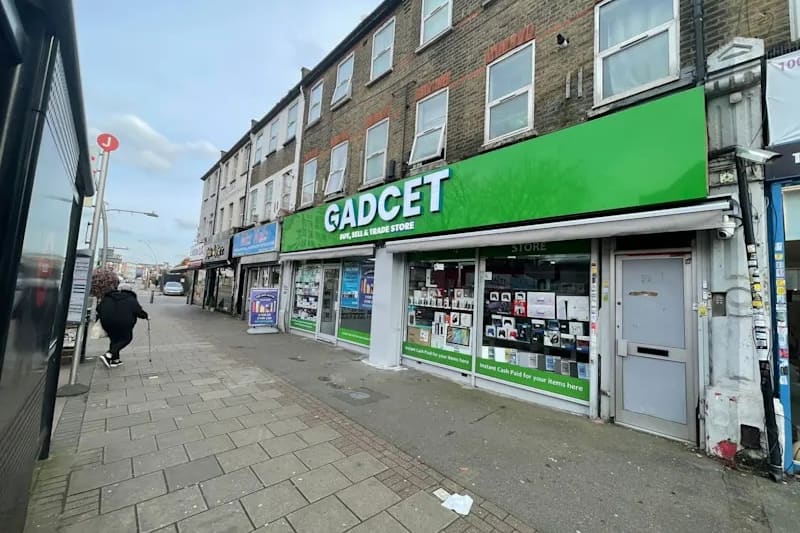
Opening hours
ServicesMobile phonesTabletsLaptopsGaming consoles
Opening hours
ServicesMobile phonesTabletsLaptopsGaming consoles
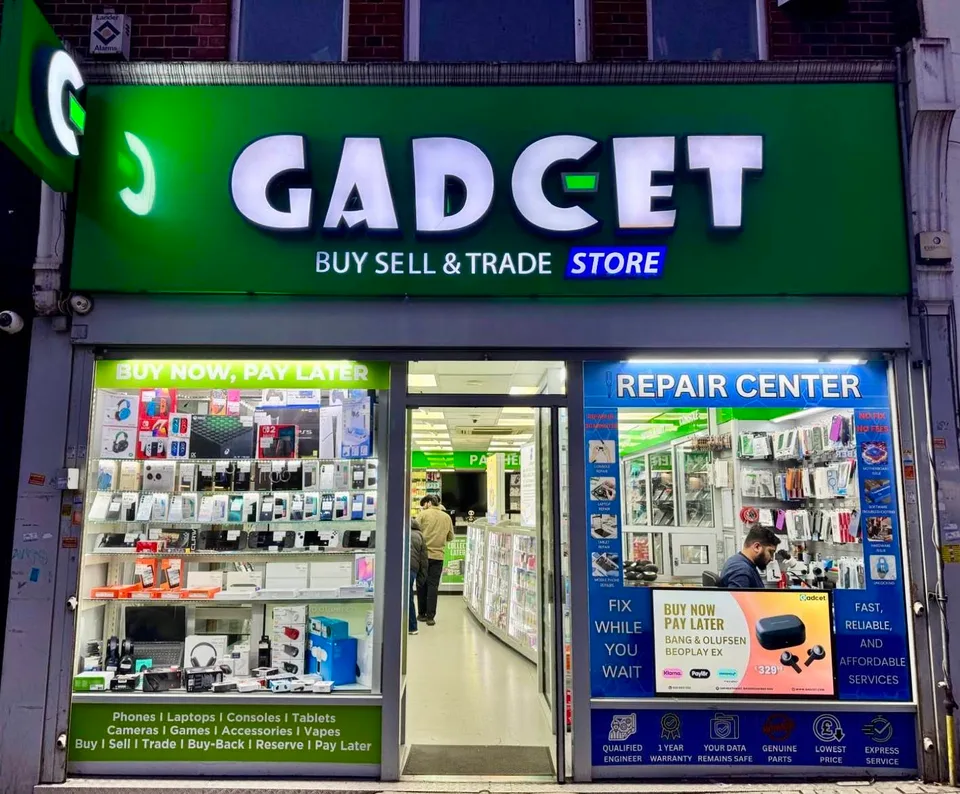
Opening hours
ServicesMobile phonesTabletsLaptopsGaming consoles
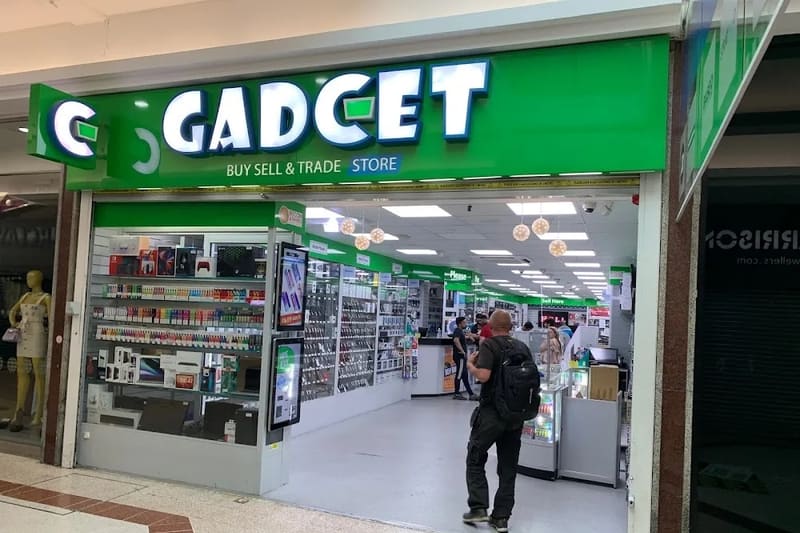
Opening hours
ServicesMobile phonesTabletsLaptopsGaming consoles
Yes. We work on MacBook Air and MacBook Pro models, including screens, batteries, keyboards, charging faults, overheating, storage upgrades and macOS reinstallation.
Yes. We replace cracked, blank and flickering laptop displays. Bring the laptop in and we will confirm the correct panel for your specific model.
Free diagnostic, and no fee at all if we cannot fix it.
Call 01708 922786