A blue screen, sometimes called a stop error, happens when Windows hits a problem it cannot safely recover from. One crash after an update is not unusual. Repeated crashes are a sign something needs attention.
Note the stop code
The blue screen shows a stop code, such as a short phrase in capital letters. Take a photo of it. The same code appearing again and again is a strong clue for diagnosis.
Common software causes
- A new or faulty driver, often graphics, Wi-Fi or storage
- A recent Windows update that did not install cleanly
- Security or system utility software conflicting with Windows
- Corrupted system files
Signs it is hardware
- Crashes continue after drivers and Windows are updated
- The laptop freezes or crashes under load or when warm
- Files become corrupted or the laptop is slow to start
- Clicking noises from an older hard drive
- The crashes started after a drop or liquid spill
What a repairer usually checks
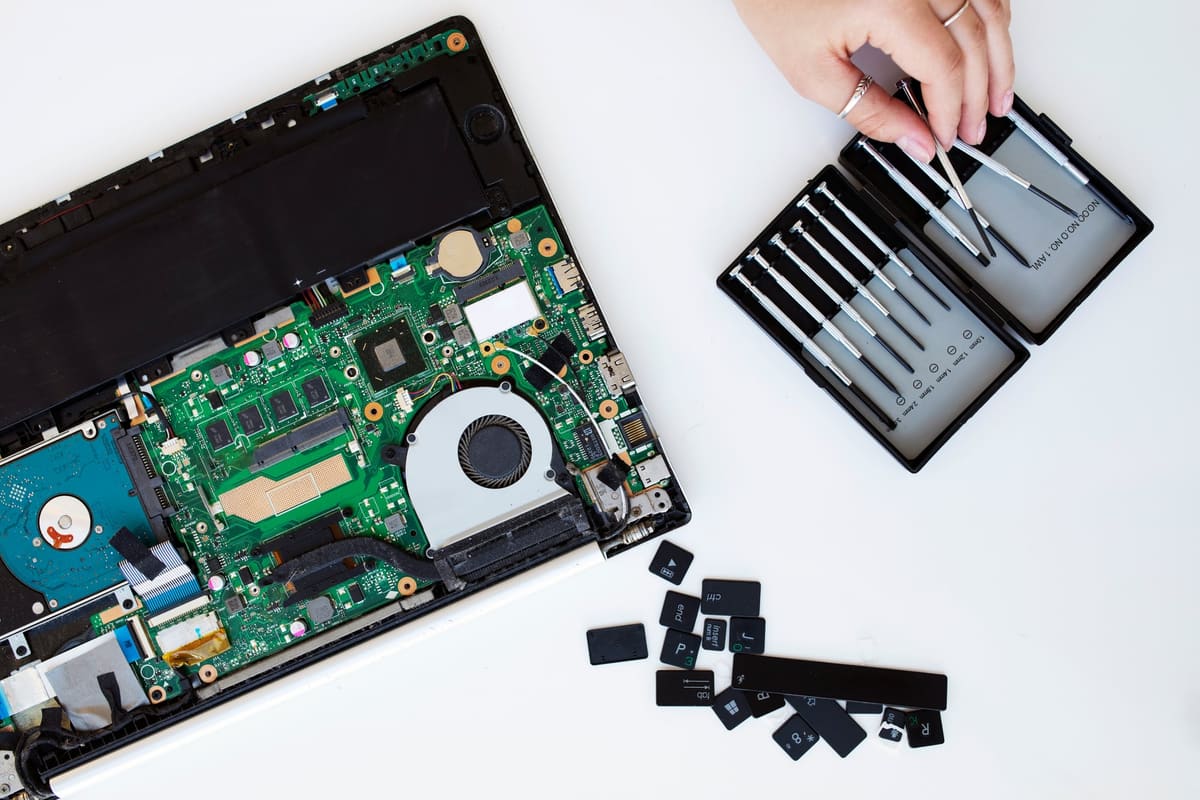
A repairer will usually test memory and storage health, check temperatures and review crash logs. If the drive is failing, ask about recovering your data first. You should get a clear explanation and a price before any repair goes ahead.
← Back to all repair advice