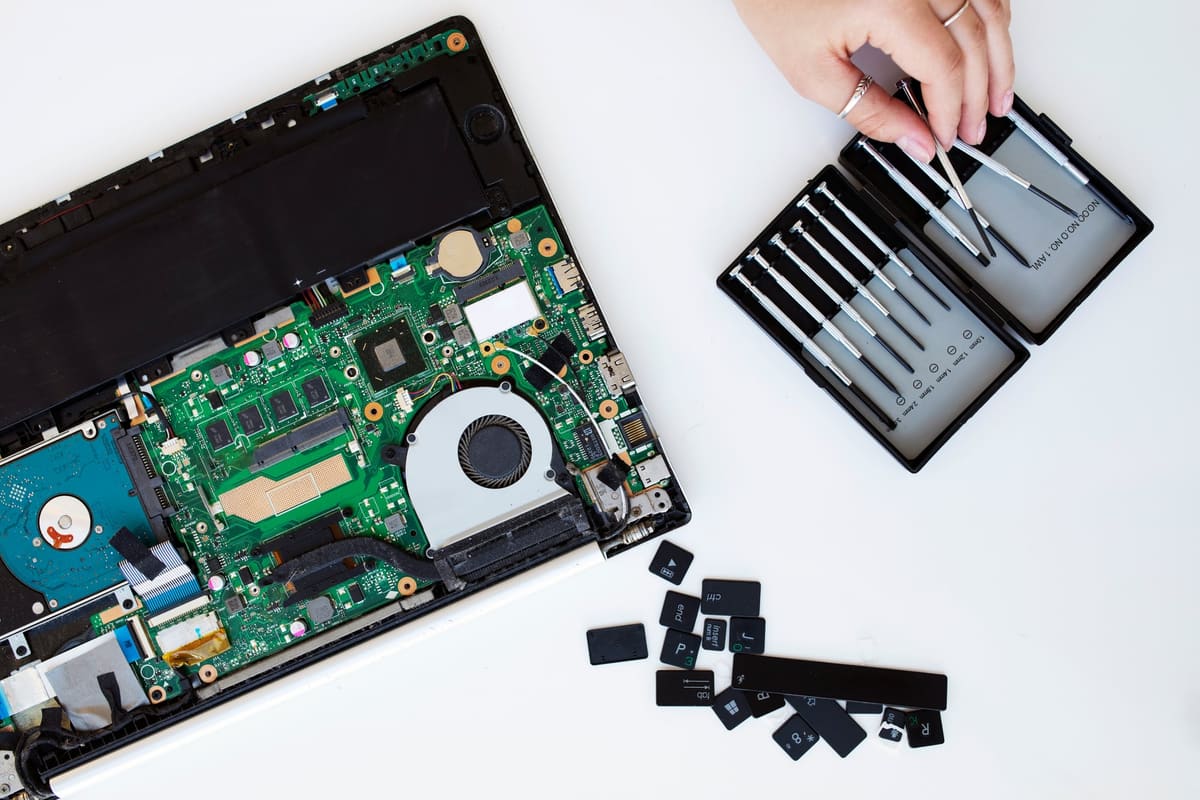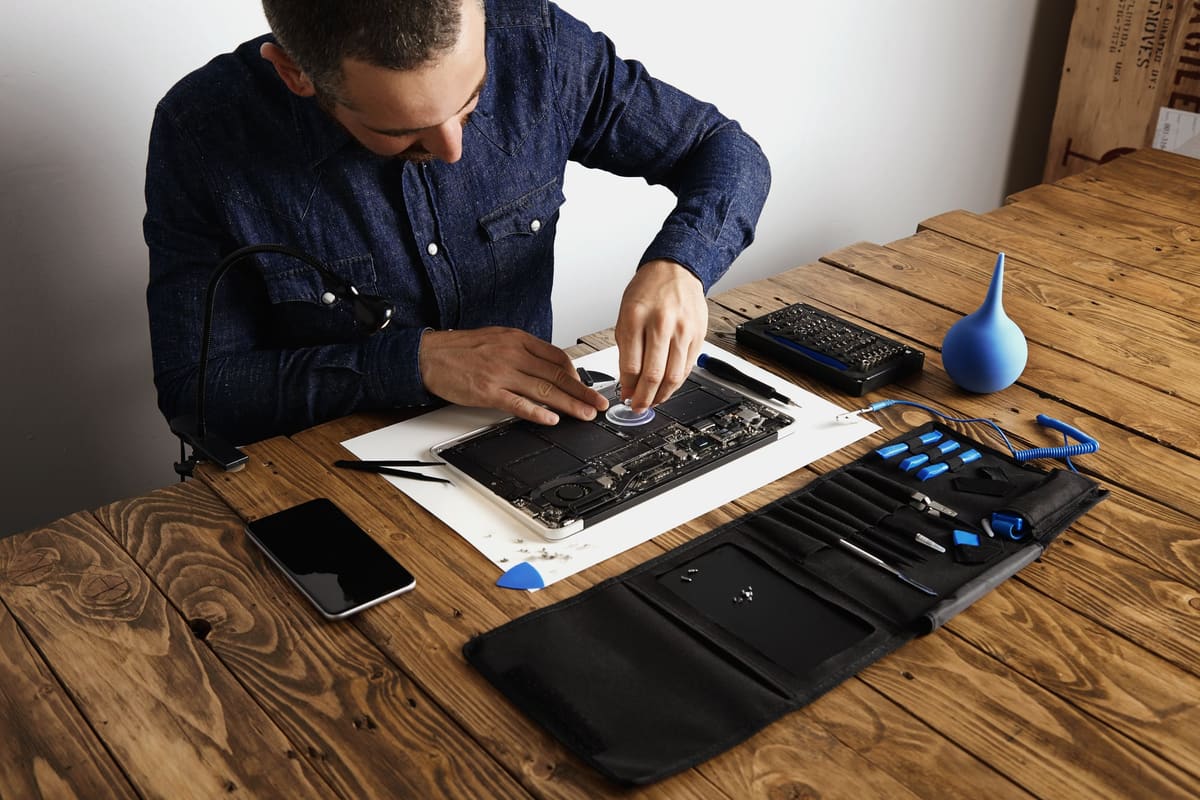
If your laptop takes minutes to start and seconds to open every app, the storage drive may be the bottleneck. Older laptops often have mechanical hard drives, which are much slower than modern solid-state drives.
What changes after an SSD upgrade
- Much faster start-up and shut-down
- Apps and files open far more quickly
- A quieter laptop with no spinning drive
- Better resistance to knocks while running
When it will not help much
If the laptop already has an SSD, a larger or newer one will add space but rarely a dramatic speed boost. A very low amount of memory, an overheating processor or malware can also be the real cause of slowness.
Can your laptop be upgraded?
Many Windows laptops use standard, replaceable drives. Most MacBooks from recent years have storage soldered to the logic board, so it cannot be upgraded. Some slim Windows laptops are similar. Ask the business to check your exact model before recommending anything.
Keeping your files
Many businesses can move your operating system, apps and files onto the new drive. Back up important files first anyway, because every storage change carries some risk.
Related repair pages
What the repair involves, what to ask and which listed businesses to contact. Each business sets its own prices and repair terms.
← Back to all repair advice