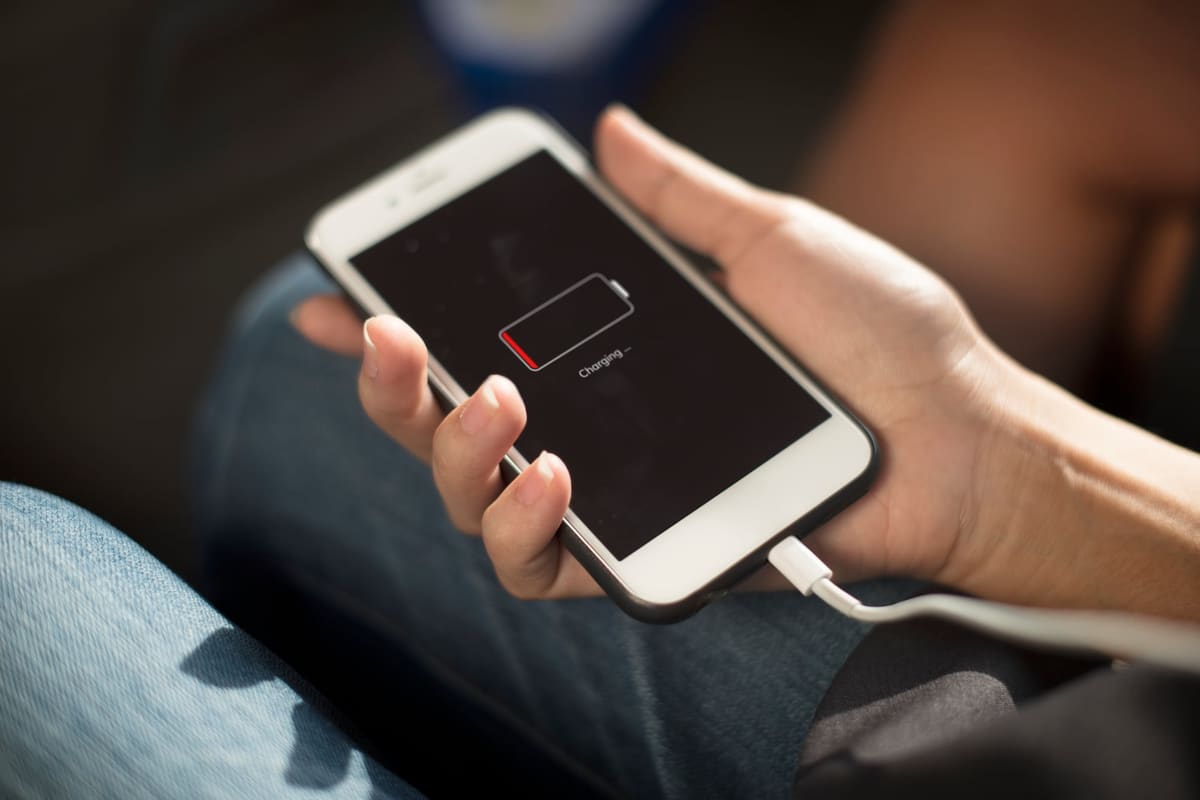
Phones turn energy into heat. Charging, streaming video, navigation, gaming and restoring from a backup all make an iPhone work hard, and it is normal for the back to feel warm. Heat becomes a concern when it is constant, happens with the phone idle, or comes with other symptoms.
Common, harmless causes
- Fast charging, especially with a thick case on
- Setting up a new phone or restoring a large backup
- Weak mobile signal, which makes the phone search harder
- Leaving the phone in direct sun or in a car
How to cool it down safely
Take the case off, move the phone out of the sun and stop charging for a while. Do not put it in a fridge or freezer: sudden cold can cause condensation inside. If the phone shows a temperature warning, let it cool before using it again.
When heat points to a fault
- The phone is hot while sitting idle with the screen off
- Battery percentage drops quickly at the same time
- The screen or back looks raised, which can mean a swelling battery
- Heat is concentrated in one spot near the charging port
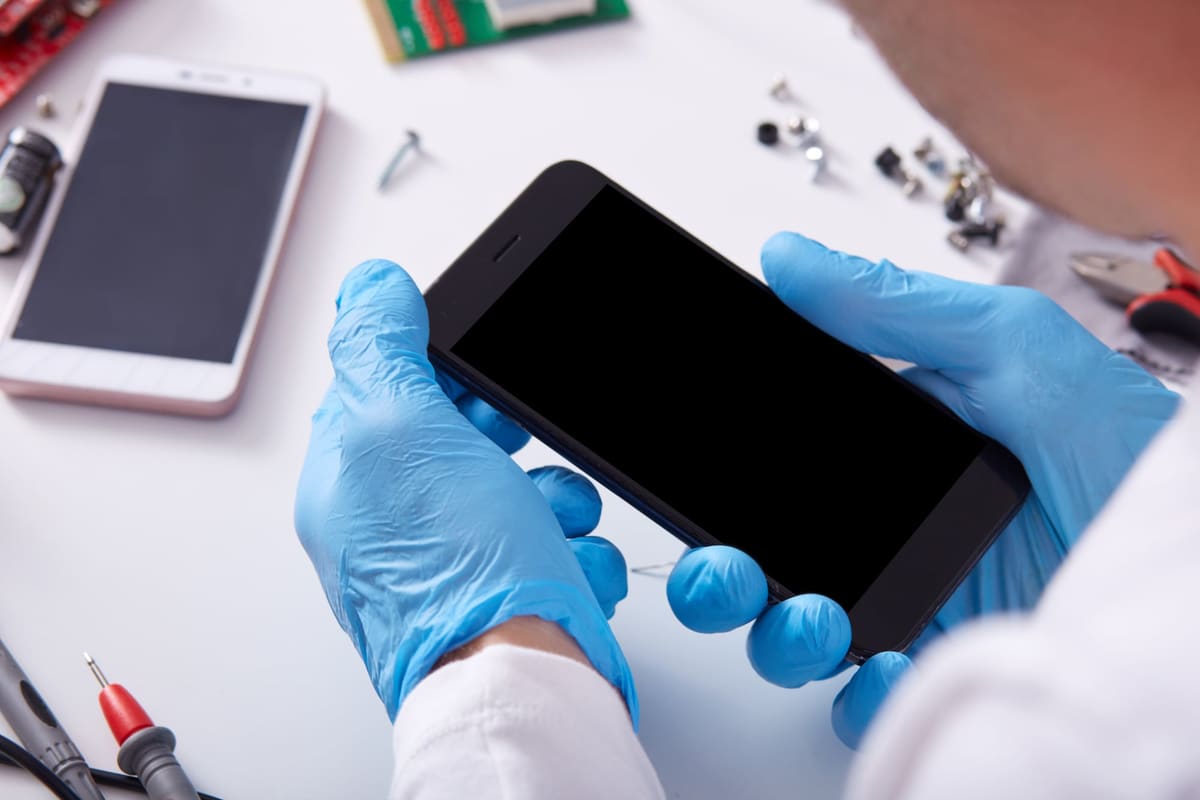
Any of these is worth having assessed by a repair business; ask whether it charges for an assessment. A worn or swelling battery should be dealt with promptly, and a short on the logic board needs specialist attention before it causes more damage.
Related repair pages
What the repair involves, what to ask and which listed businesses to contact. Each business sets its own prices and repair terms.
← Back to all repair advice