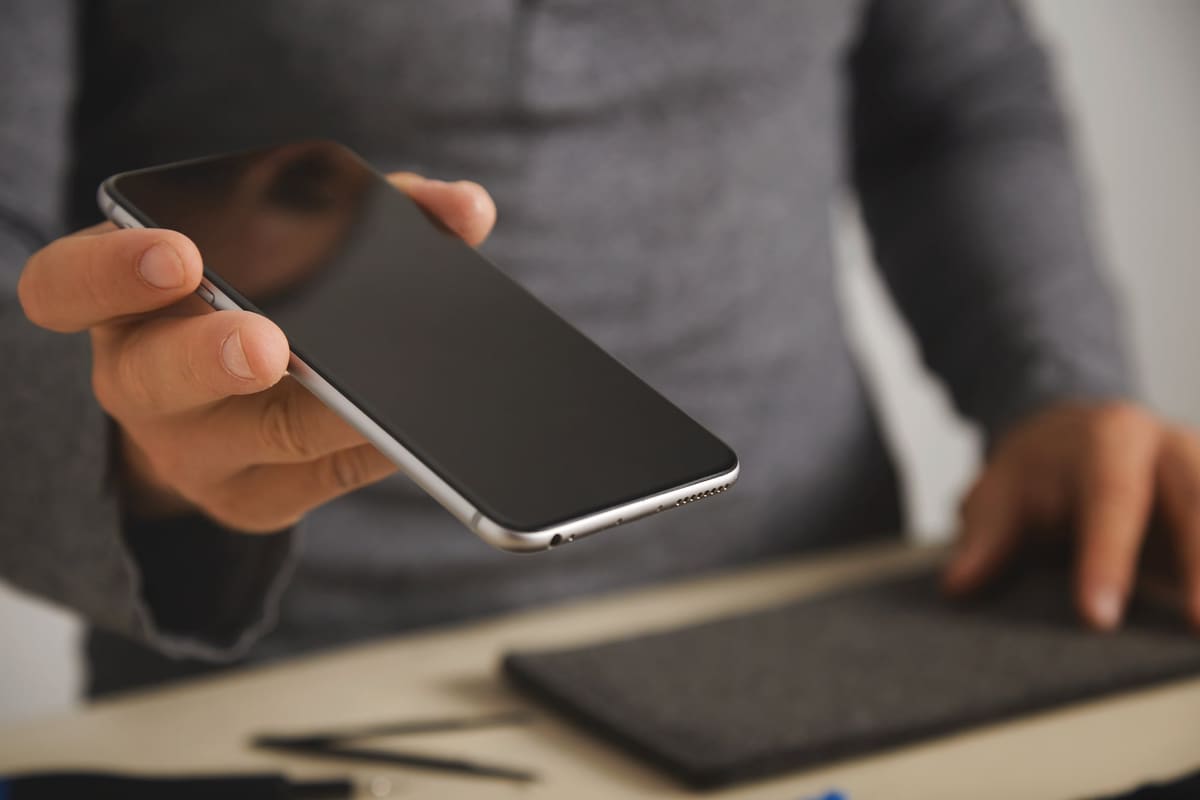
Phone speakers sit behind tiny mesh grilles that are very good at collecting pocket lint, dust and debris. Over months, that build-up can make calls and music sound muffled or distant.
Rule out the easy things
- Check the phone is not still connected to Bluetooth headphones or a car
- Turn the volume up and check the ringer and media volume separately
- Remove the case in case it covers the speaker
- Restart the phone
Clean the grille safely
Use a dry, soft-bristled brush, such as a clean toothbrush, to gently brush across the grille. Do not push pins, needles or cotton buds into the openings, because they can puncture the speaker membrane and make things worse.
Earpiece or loudspeaker?
Test both. Play music on the loudspeaker, then make a call with the phone to your ear. If only one sounds wrong, that component is the problem. If both are affected, suspect liquid damage or a software issue.
When it needs repair
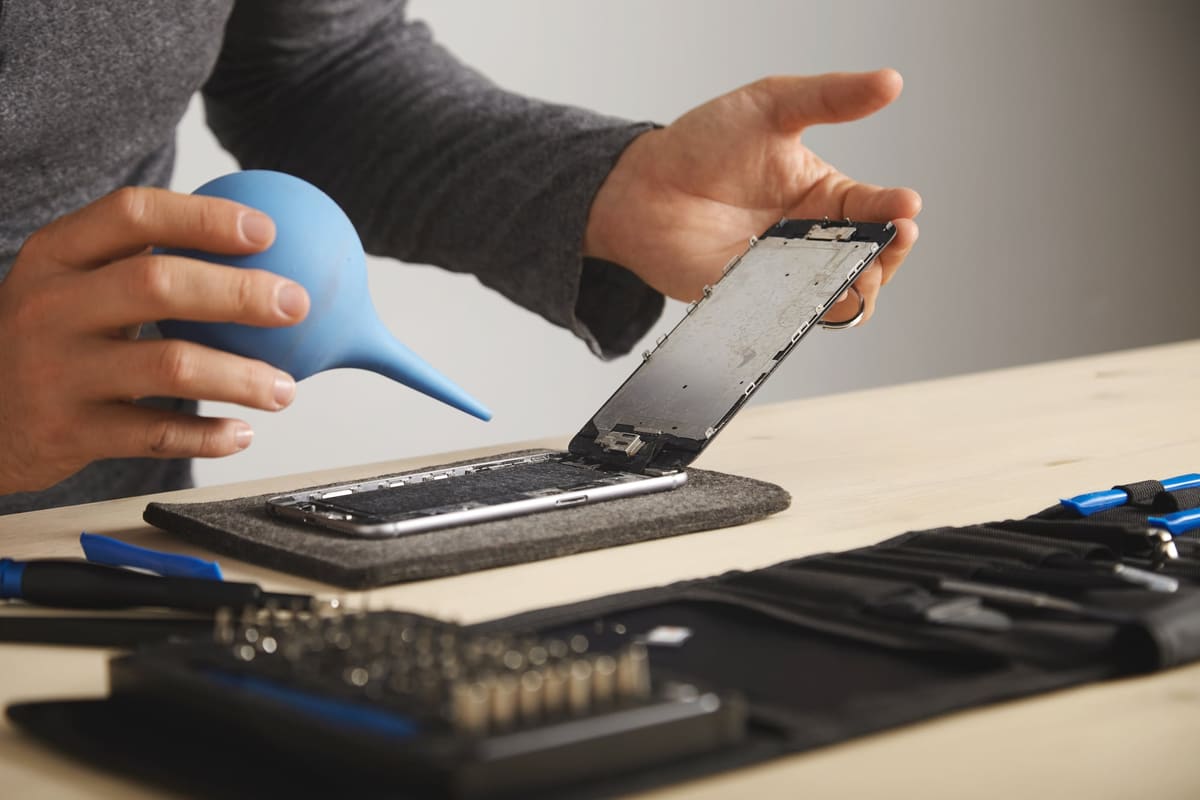
Crackling, buzzing or sound that cuts out usually means the speaker itself is damaged. Speaker replacements are usually straightforward, and sound should be tested on calls and media before the phone is handed back.
← Back to all repair advice