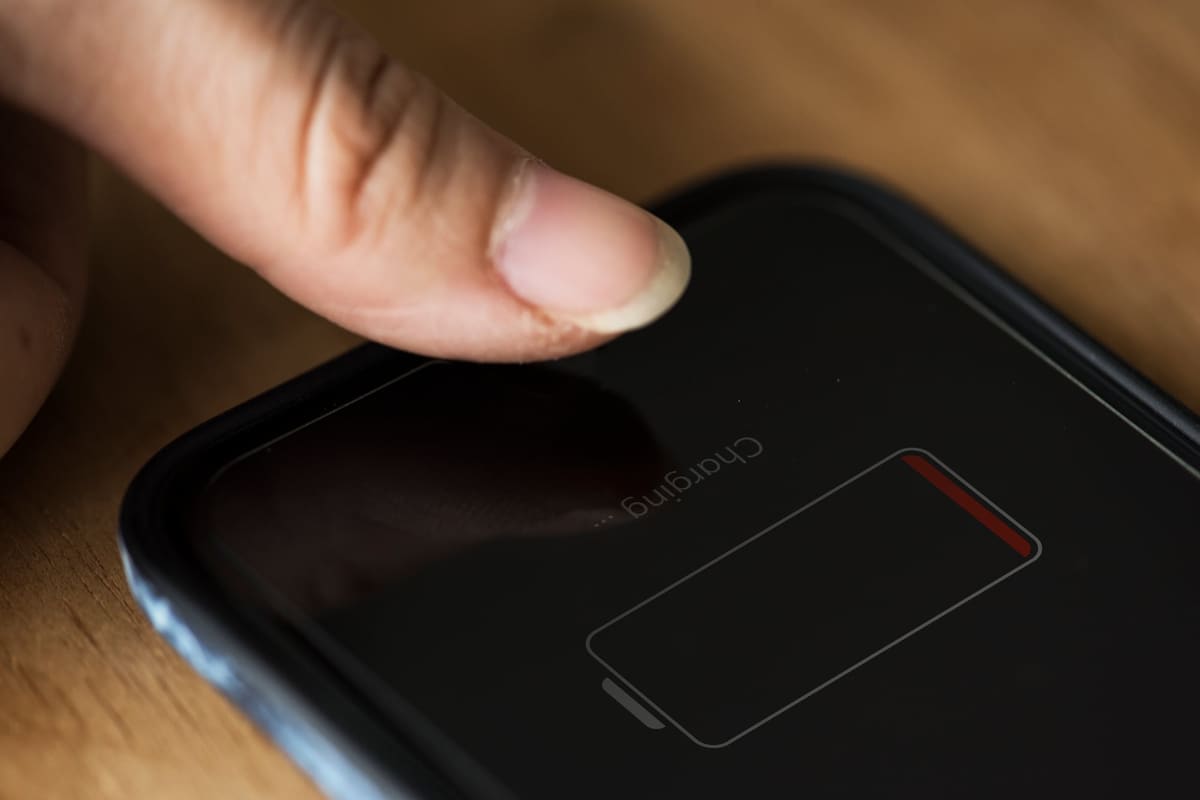
Every lithium-ion battery loses capacity as it ages, so a two or three-year-old phone will not last as long as it did new. But sudden, heavy drain usually has a cause you can find.
Find what is using power
Both iPhone and Android show battery usage by app in Settings. Look for anything unexpected near the top, such as an app you rarely open using a lot of background power.
Common culprits
- Very high screen brightness or a long screen timeout
- Location services running constantly for several apps
- Weak mobile signal, which forces the phone to search
- Social and video apps refreshing in the background
- A recent update still indexing photos and data
Check battery health
iPhones show a battery health percentage in Settings under Battery. Many Android phones offer battery information in their device care or diagnostics menus. A heavily worn battery, or one that causes unexpected shutdowns, is worth replacing.
When to book a replacement
- The phone shuts down with charge still showing
- Battery health is low or the phone reports service is needed
- The battery drains quickly even with light use
- The phone gets warm while idle
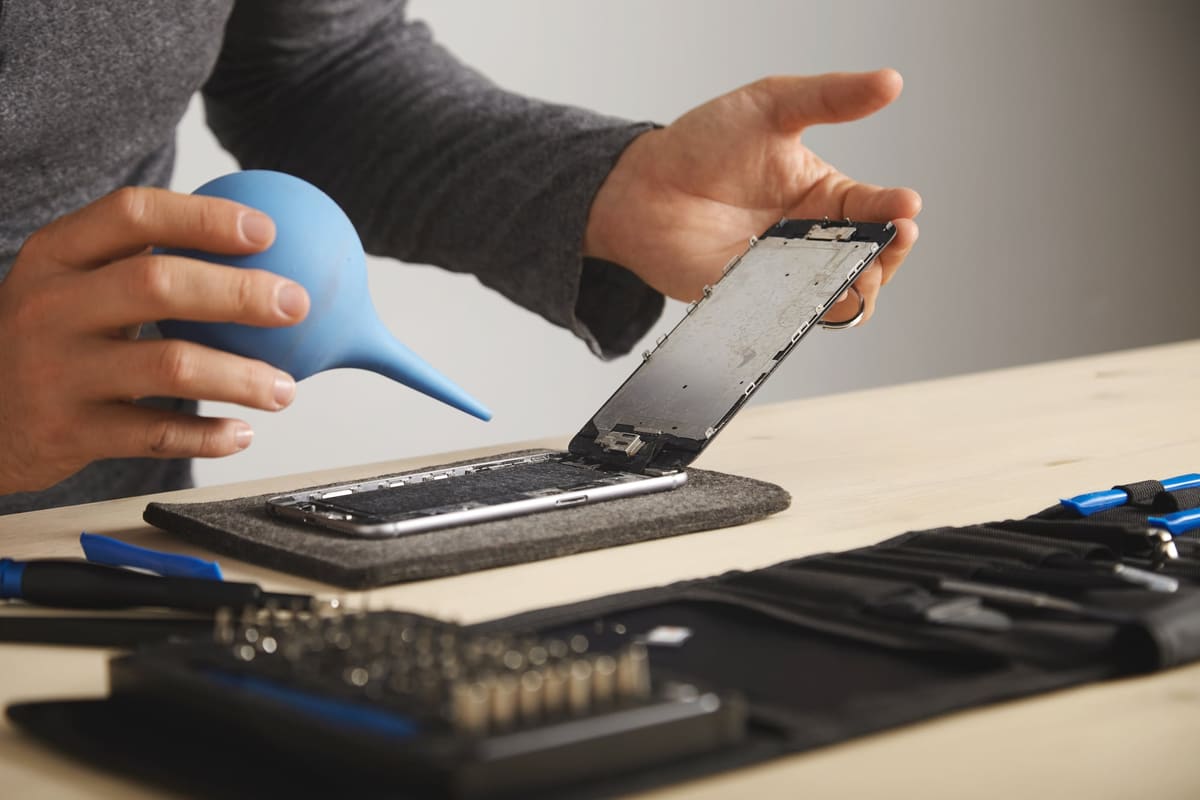
A battery replacement is one of the most cost-effective repairs and can make an older phone feel new again.
Related repair pages
What the repair involves, what to ask and which listed businesses to contact. Each business sets its own prices and repair terms.
← Back to all repair advice