When your phone loses its SIM, calls, texts and mobile data all stop. The fault can sit with the card, the network or the phone, and a methodical check usually finds it quickly.
Quick fixes
- Turn airplane mode on and off
- Restart the phone
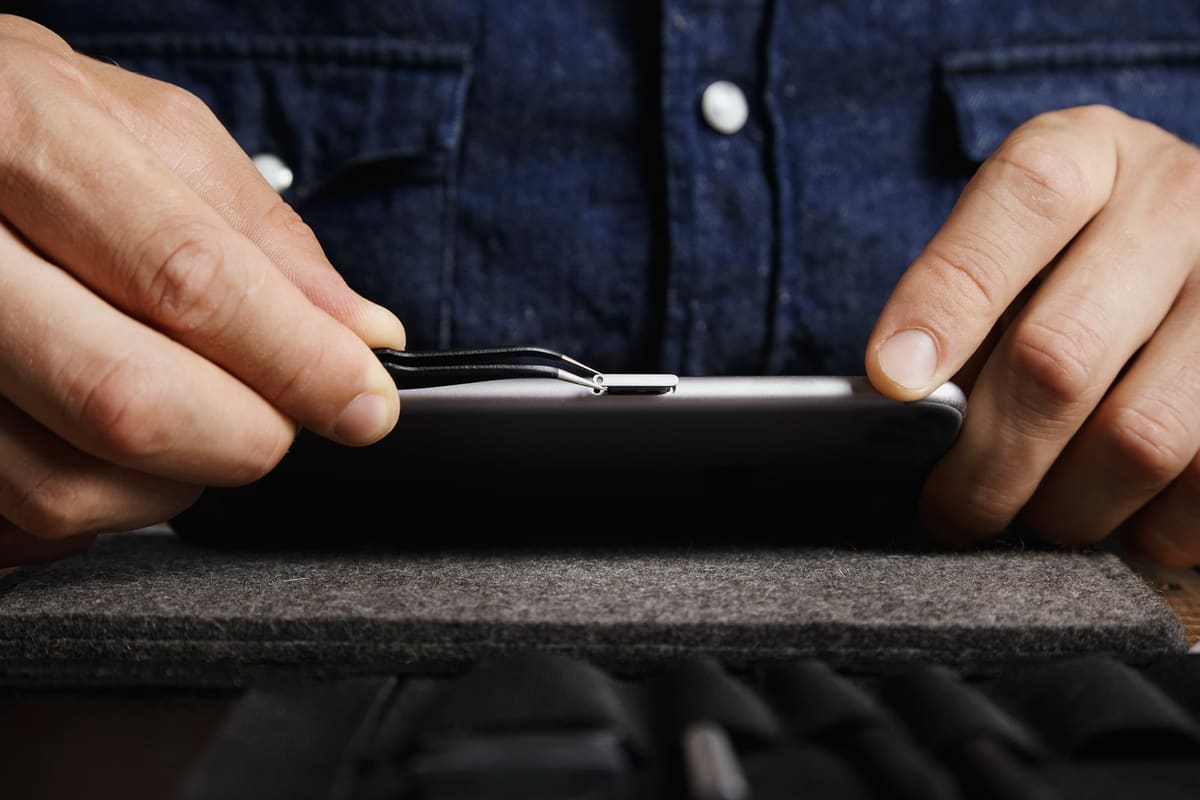
- Remove the SIM tray, check the card is seated flat and refit it
- Wipe the gold contacts of the SIM gently with a dry, soft cloth
- Install any available software or carrier settings updates
Swap to find the fault
Put your SIM in another phone, and another working SIM in your phone. If your SIM fails in both phones, contact your network for a replacement card. If every SIM fails in your phone, the phone is the problem.
Other causes
- The phone is locked to a different network
- A bent or damaged SIM tray
- A worn or damaged SIM card reader inside the phone
- Liquid or drop damage near the SIM area
If the phone rejects every SIM, a diagnostic will confirm whether the SIM reader, tray or board needs attention. eSIM-capable phones may keep working on eSIM while the physical reader is faulty, which is a useful clue.
← Back to all repair advice