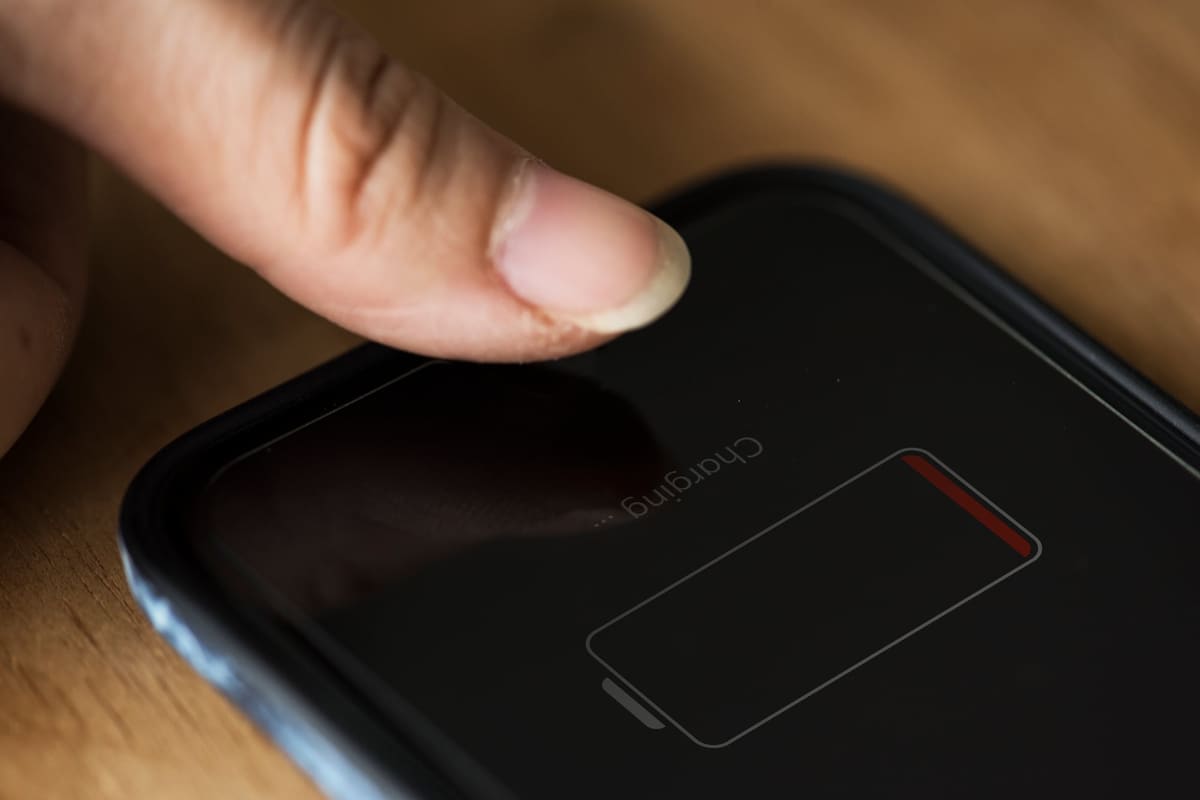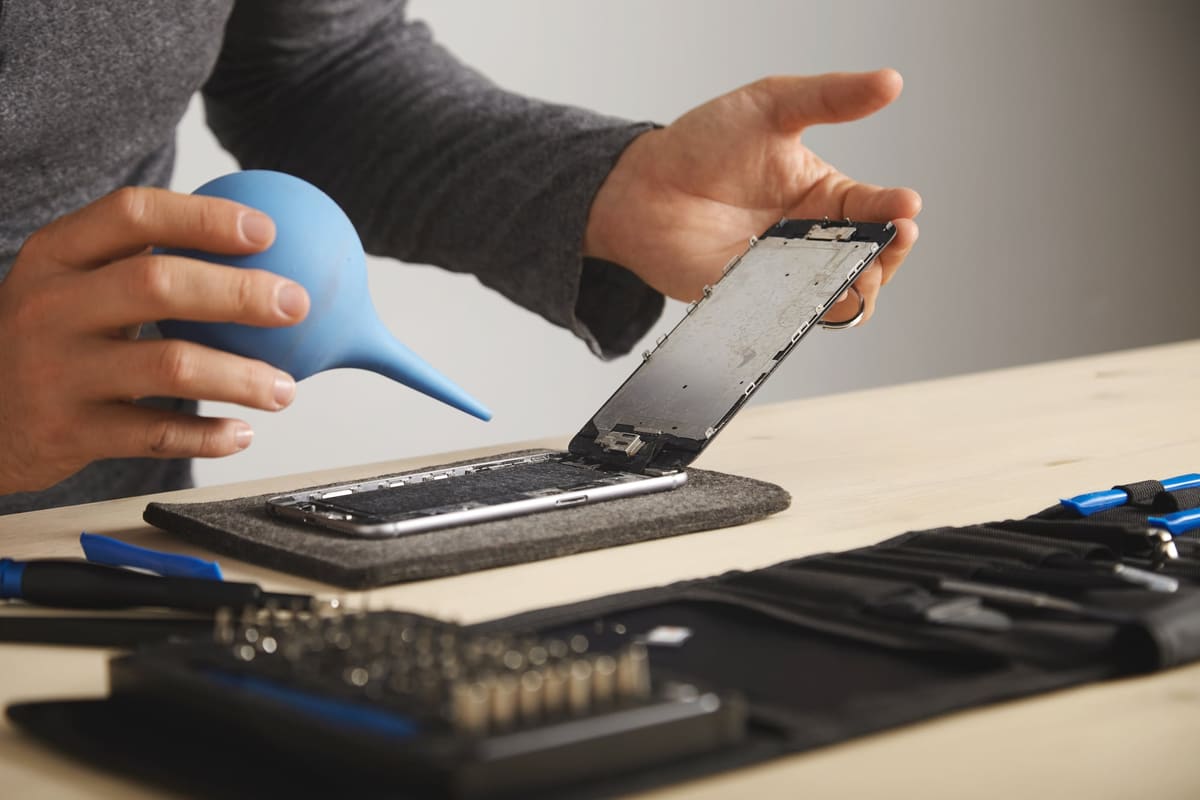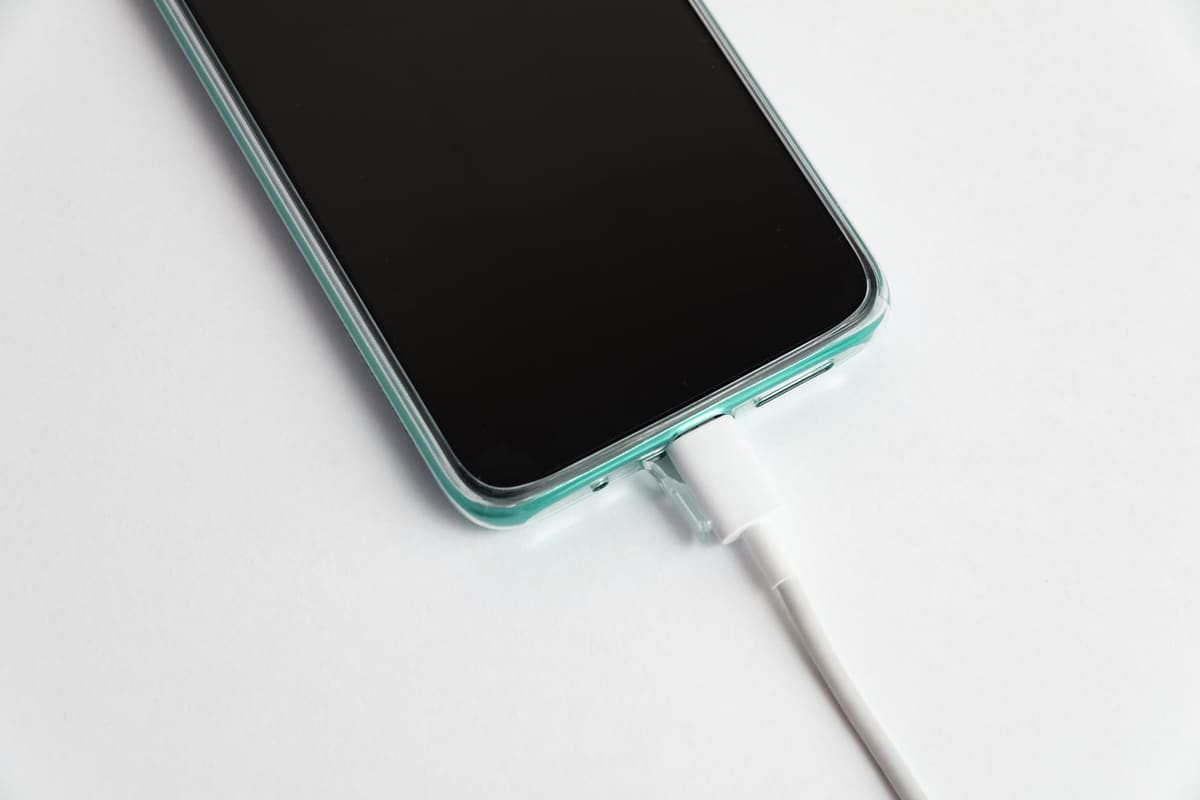
A charging problem may come from the cable, power adapter, socket, settings or the phone itself. Start with the external checks; do not assume the charging port needs replacing.
Check in this order
- Inspect the cable and adapter. Stop using damaged accessories.
- Try a working wall socket and a compatible cable and charger.
- Restart the phone and check for supported software updates.
- Look for a charging-limit setting or temperature warning if charging pauses.
Avoid making damage worse
Do not force a connector or push metal tools or liquid into the port. If the socket looks damaged or debris cannot be removed safely, arrange an assessment.
Still not charging?
Bring the phone and the charger involved. Tell the store whether charging is intermittent, whether the device gets hot and whether there was a drop or liquid exposure. Diagnosis determines which repair, if any, is needed.
Further reading
Related repair pages
What the repair involves, what to ask and which listed businesses to contact. Each business sets its own prices and repair terms.
← Back to all repair advice