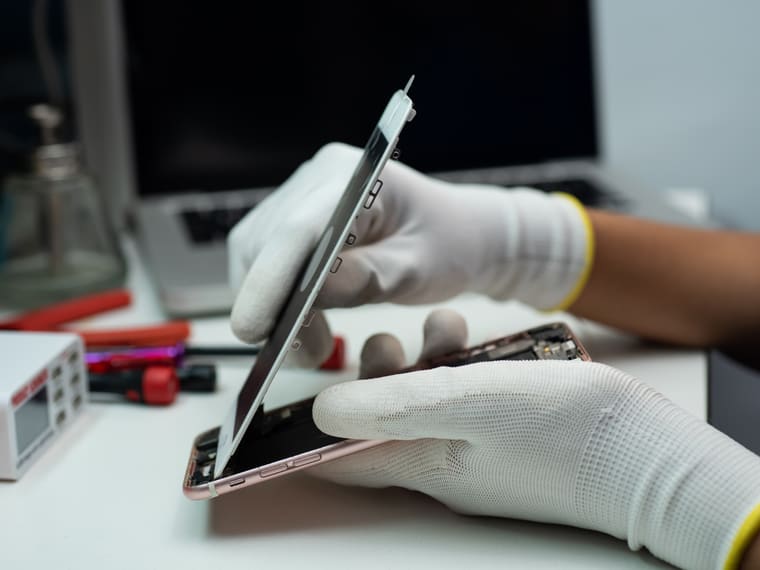
iPhone
Green lines on an iPhone screen: what they mean
A green or pink line that stays put on an iPhone screen almost always points to the display itself. Here is what to try first and when a screen replacement is the real fix.
Translated automatically by Google. When you pick a language, the page text is sent to Google.
Straightforward repair guides, troubleshooting tips and expert advice for phones, tablets, laptops, consoles and more.
Popular:

Find troubleshooting guides for the device you need help with.
iPhone
A green or pink line that stays put on an iPhone screen almost always points to the display itself. Here is what to try first and when a screen replacement is the real fix.
Practical advice to help diagnose common device problems.
iPhone
A green or pink line that stays put on an iPhone screen almost always points to the display itself. Here is what to try first and when a screen replacement is the real fix.

iPhone
Face ID can stop working for simple reasons, like a smudge over the sensors, or because the TrueDepth camera was damaged in a drop. These checks help you tell which.
iPhone
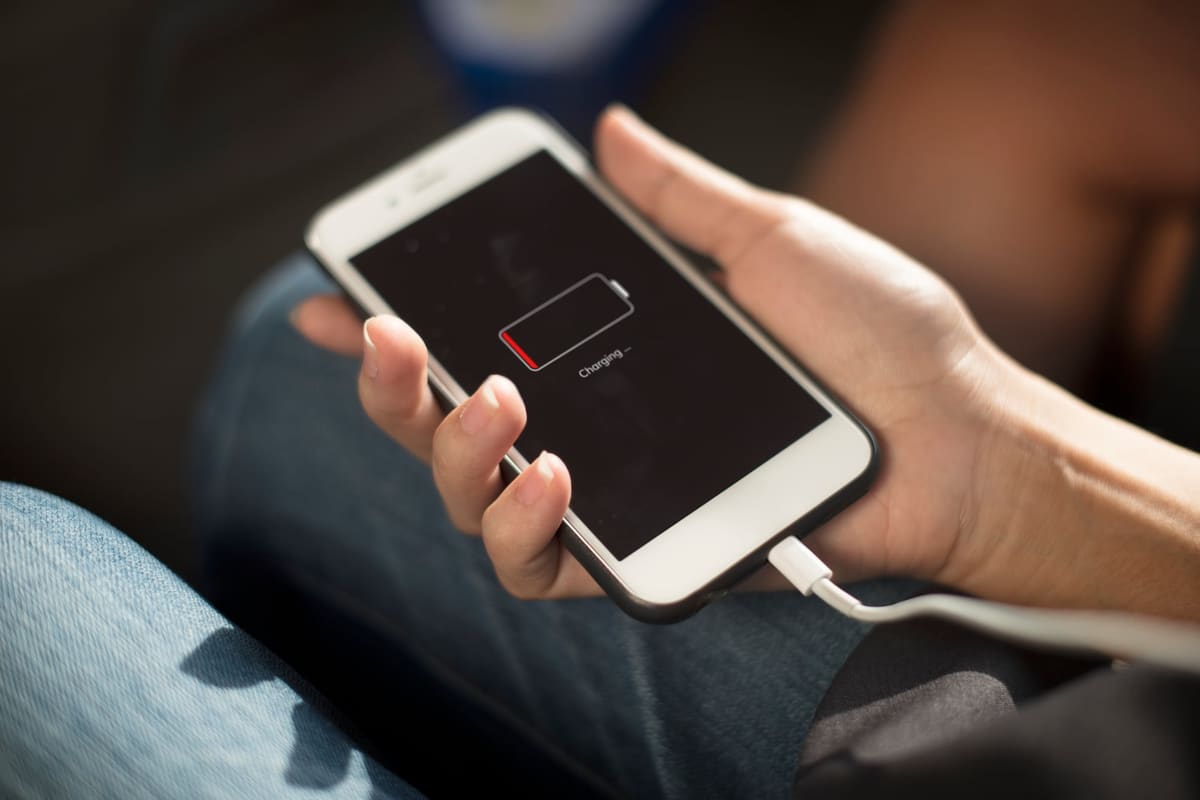
An iPhone that feels warm while charging or gaming is normal. One that gets hot while sitting idle, or shows a temperature warning, deserves a closer look.
iPhone
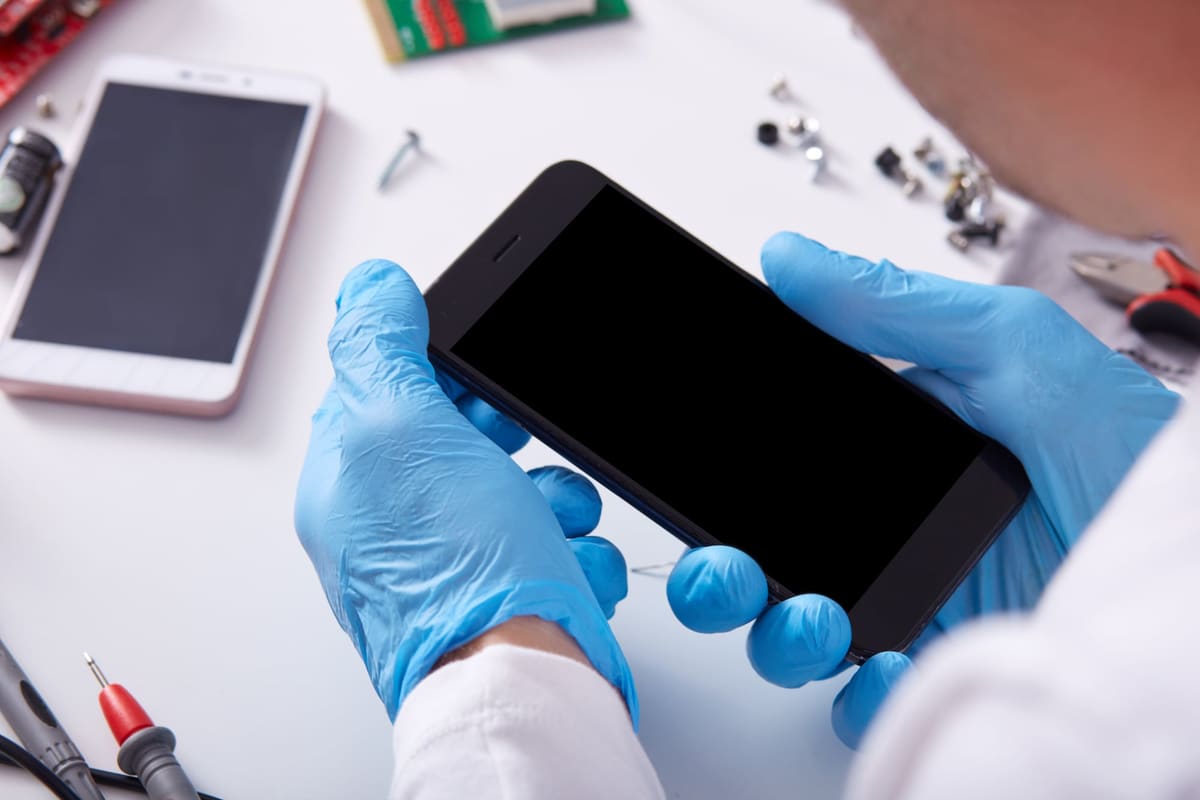
An iPhone that restarts to the Apple logo and never gets further can be a software problem or a hardware one. Work through these steps before assuming the worst.

iPhone
Blurry photos can come from a dirty lens, a cracked lens cover or a camera that can no longer focus. Here is how to tell which one you are dealing with.

iPhone
A cracked back might look cosmetic, but broken glass can cut fingers, let in moisture and weaken the phone. Here is how to decide whether to repair it now.

iPhone
Water resistance is not waterproofing, and seals weaken over time. What you do in the first hour after a spill can make a big difference to whether the phone survives.
Samsung
A vertical green or pink line on a Galaxy screen is almost always a display panel fault. Here is what you can check and why a replacement is usually the lasting fix.

Samsung
The water-drop warning stops a Galaxy phone charging through its USB-C port. Sometimes it is real moisture, sometimes lint or corrosion. Here is how to clear it safely.
Samsung
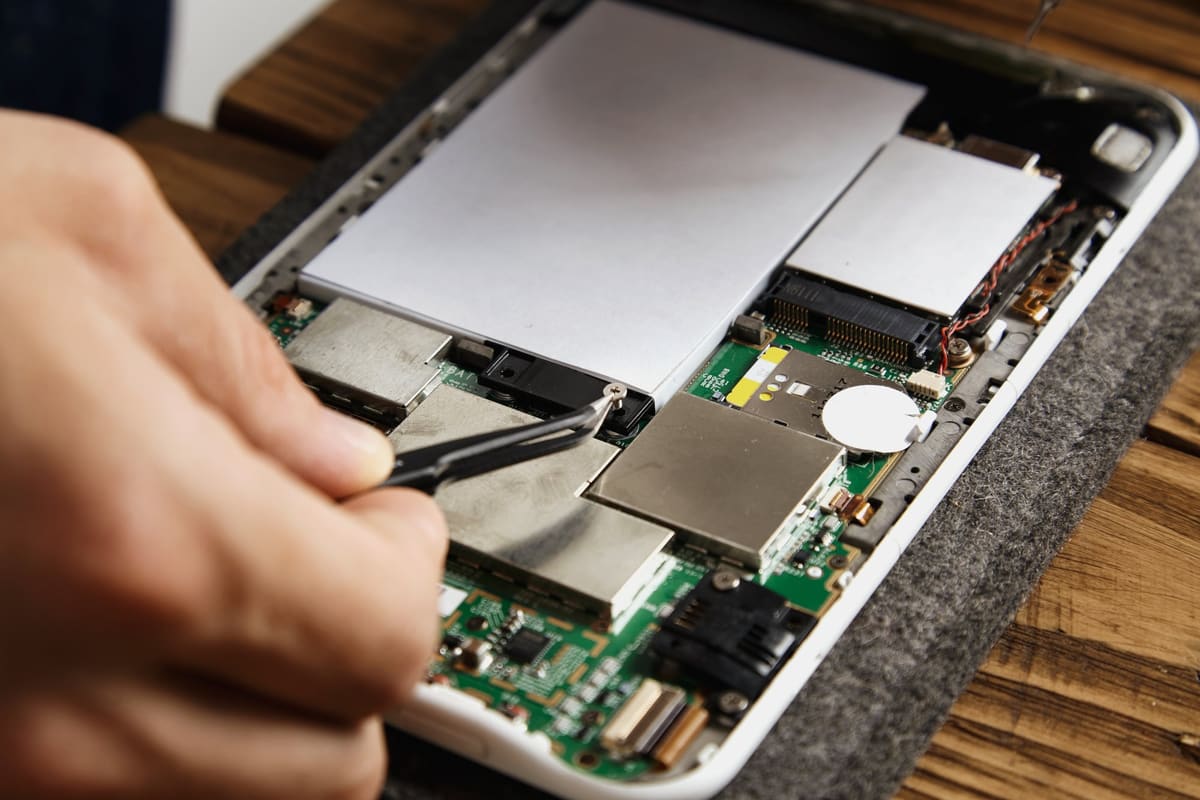
A lifting screen or bulging back cover can mean the battery inside is swelling. This is a safety issue, and it is worth acting on straight away.
Samsung
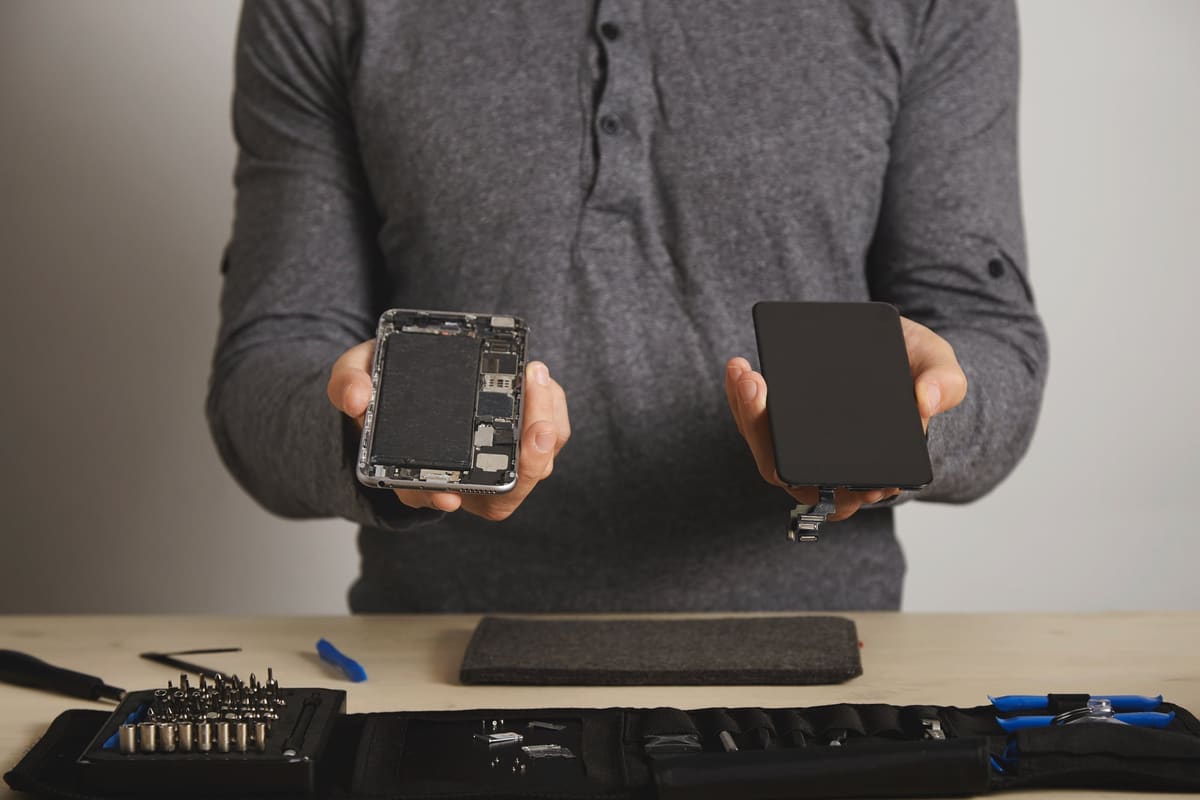
Foldable screens have quirks that normal phones do not. Here is what is normal, what is not, and why you should never peel the factory protector off the inner screen.
Samsung
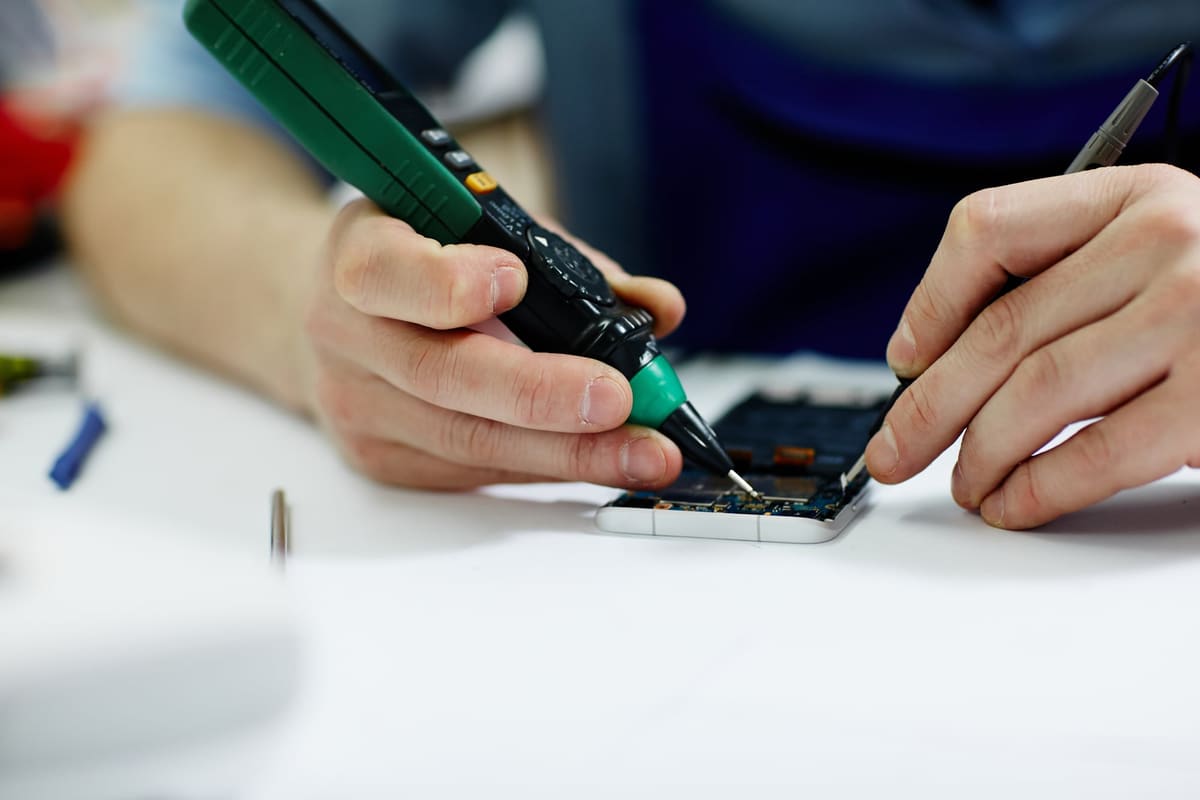
If your Galaxy charges slowly and the fast charging message has gone, the cause is often the charger, the cable or a setting, not the phone. Check these first.

Samsung
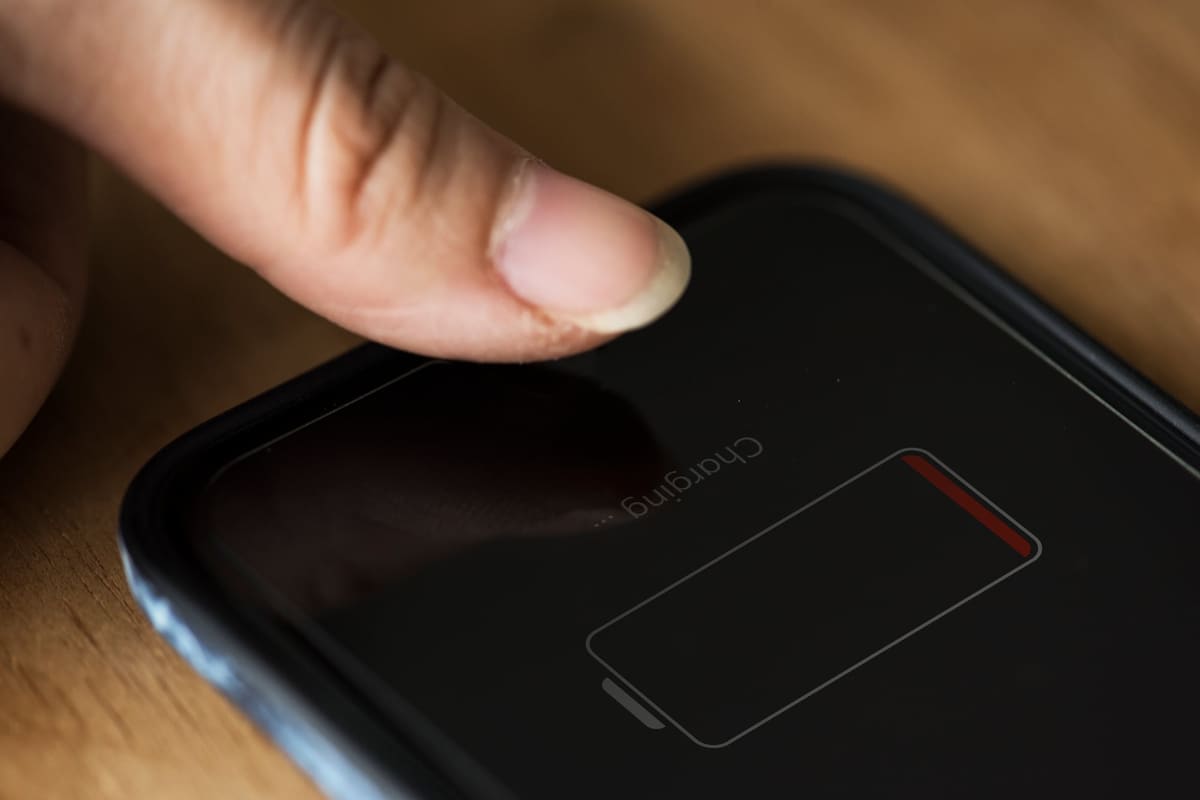
If your Galaxy vibrates, rings or plays sound but the screen stays black, the display has probably failed. Here is how to confirm it and protect your data.
Phones
Fast battery drain can be settings, apps, weak signal or an ageing battery. These checks help you find the cause before paying for a replacement.
Phones
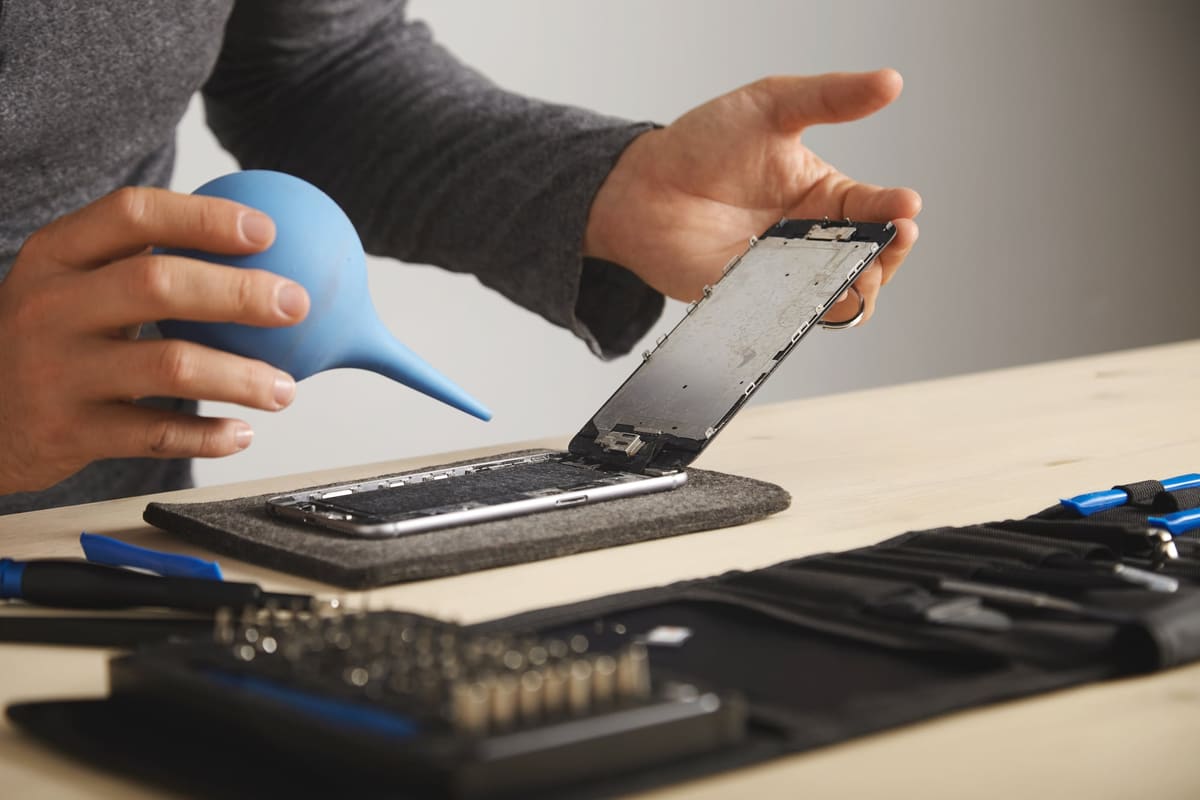
Quiet, crackly or muffled sound is often caused by dust in the grille, but it can also be liquid damage or a failing speaker. Here is how to narrow it down.

Phones
If callers say you sound distant, muffled or silent, the problem may be a blocked microphone, a Bluetooth connection or a failed part. Test it in minutes.

Phones
A good screen protector is cheap insurance against scratches and some cracks, but it is not magic. Here is what they do well, what they do not, and which type to choose.
Phones
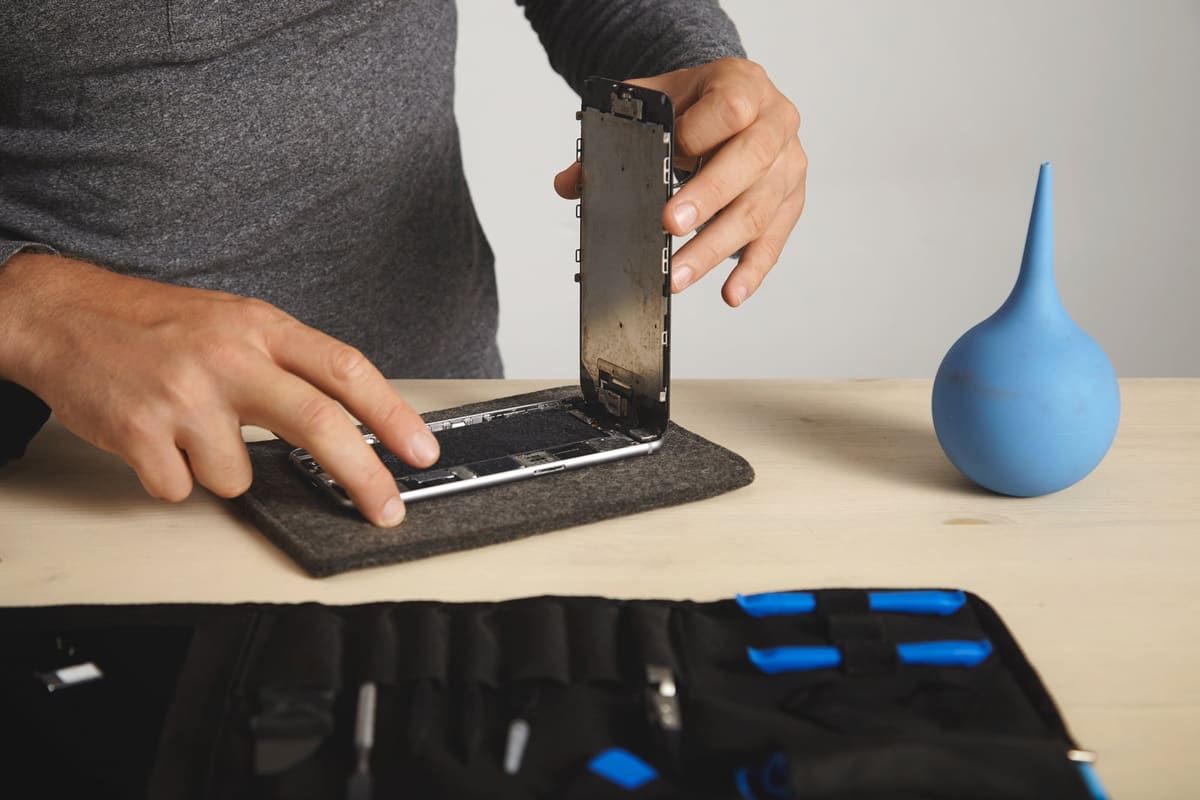
Screen repairs often come with more than one price. The difference usually comes down to display technology, brightness, colour and battery use. Here is what you are choosing between.
Phones
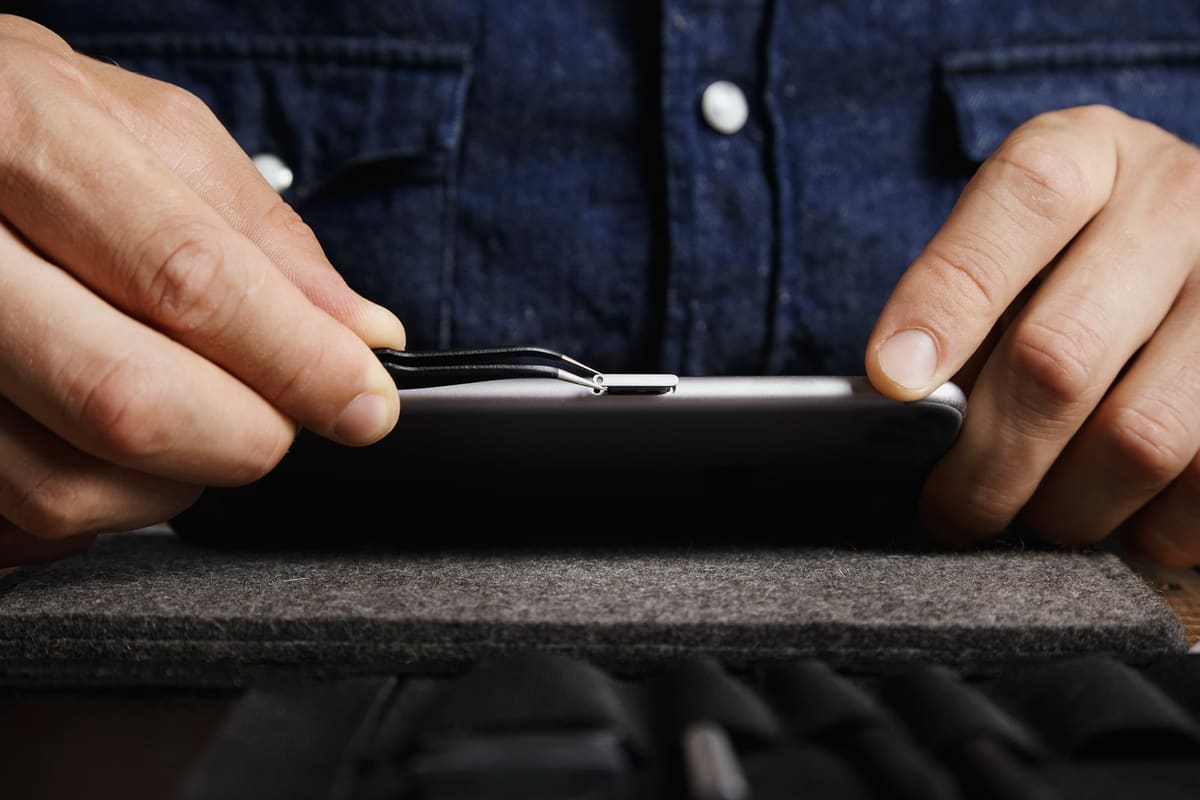
A phone that suddenly says No SIM could have a dirty card, a network issue or a damaged SIM reader. A few swaps will tell you which.
Tablets
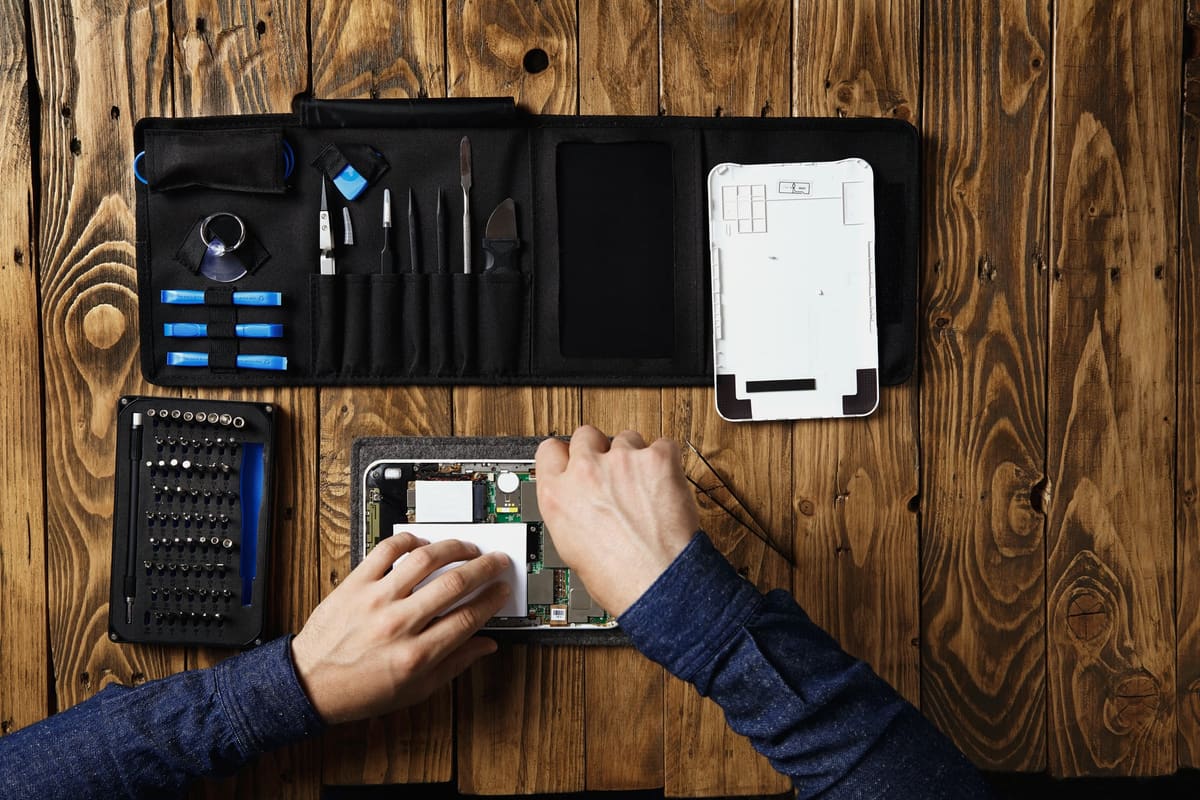
iPads need more power than phones, so the wrong adapter, a tired cable or lint in the port can all stop charging. Try these checks before booking a repair.

Tablets
Some iPads have a separate glass layer that can be replaced on its own, while others have a laminated display that must be replaced as one part. Here is why that changes the price.

Tablets
Children are hard on tablets. A few simple habits and the right accessories can prevent a lot of common damage, and save money on repairs.
Tablets
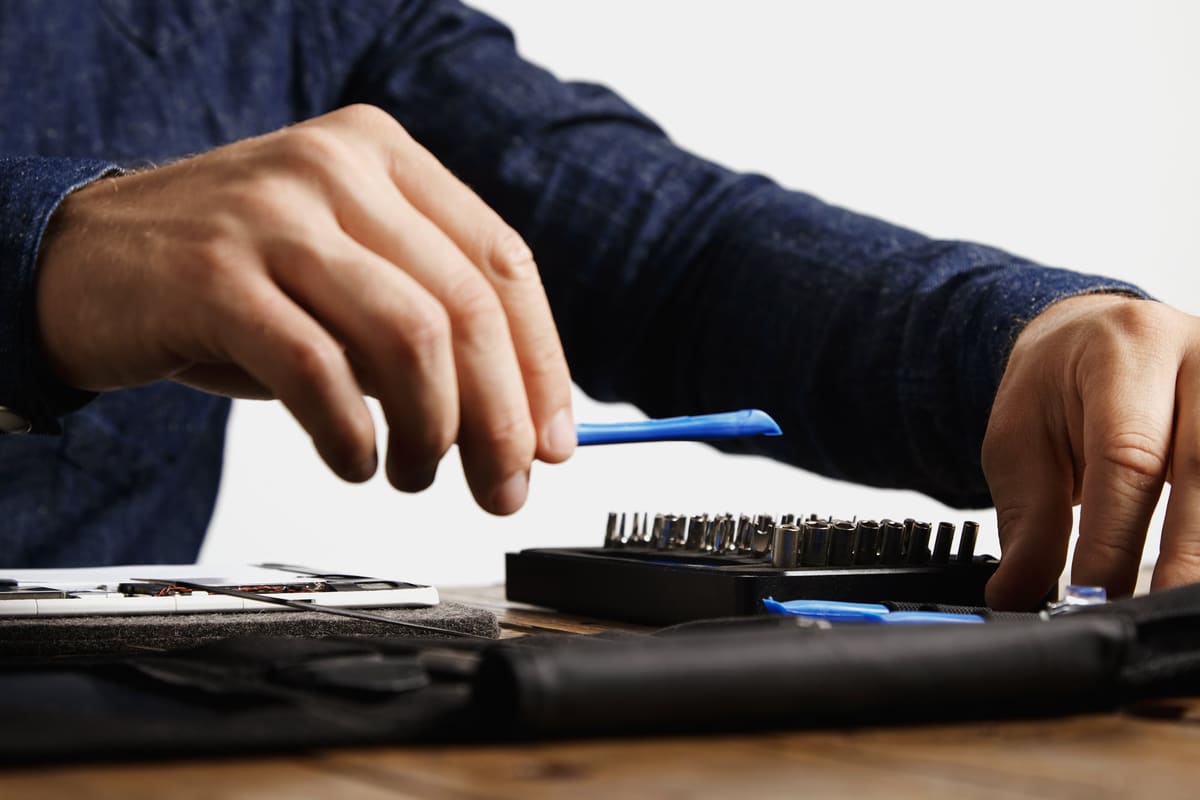
A touchscreen that ignores taps, registers ghost touches or works only in places can be a software glitch, a protector problem or a failed digitiser.
Laptops
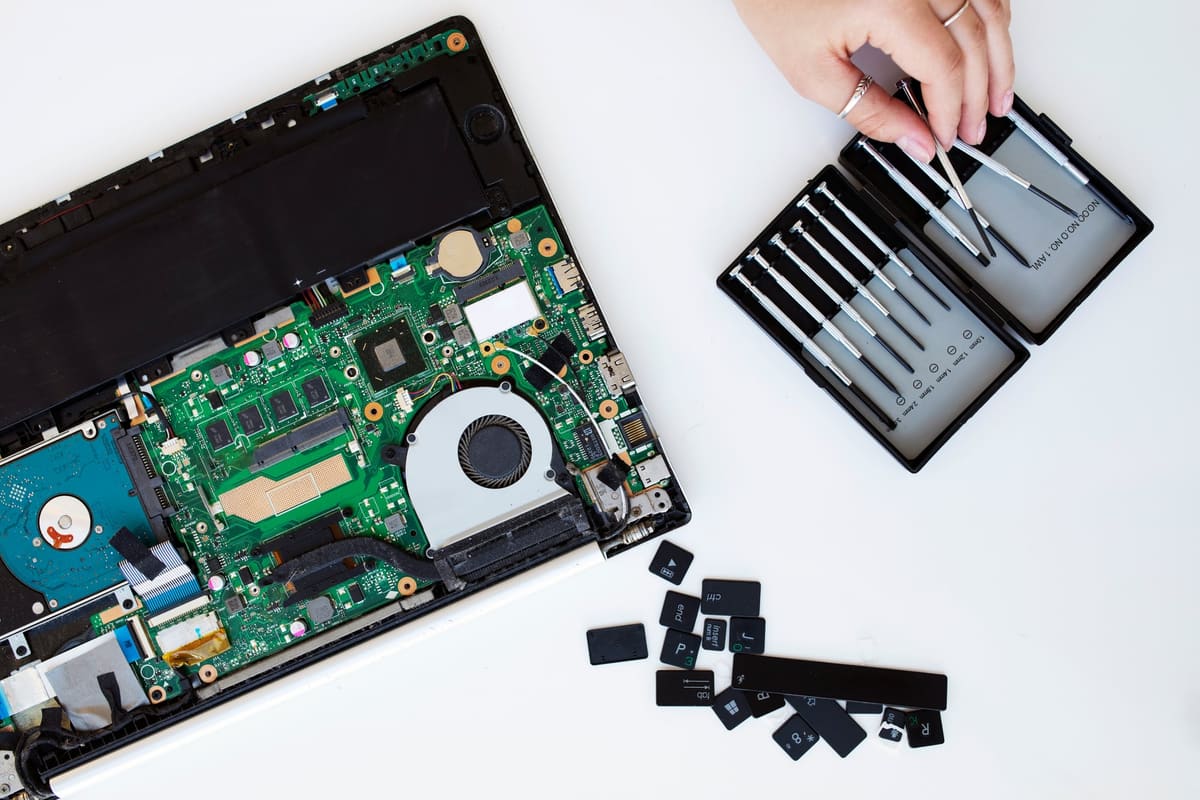
Sticky, repeating or dead keys on a MacBook can be caused by debris, a spill or a failing keyboard. The model and the symptoms tell you which.
Laptops
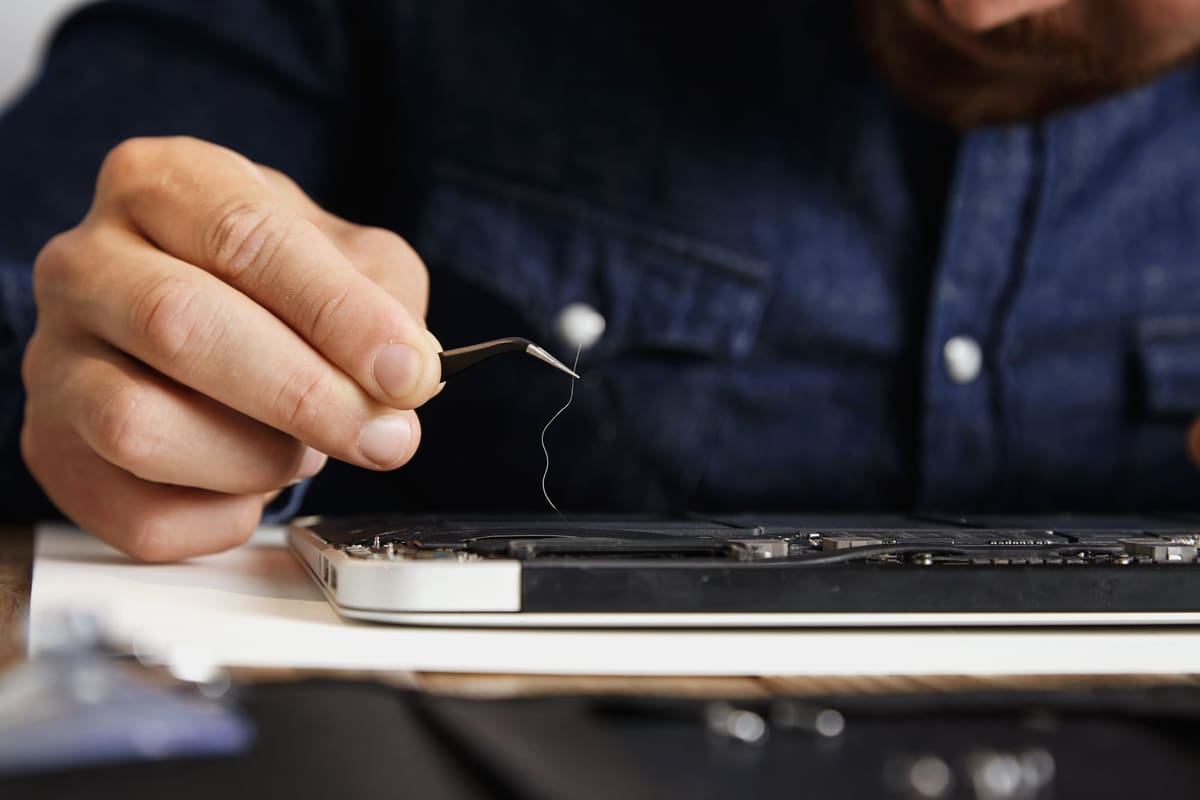
A noisy fan and a hot laptop usually mean the cooling system is struggling, often because of dust. Left alone, heat slows the laptop down and can shorten its life.

Laptops
A laptop that says plugged in, not charging is not always faulty. Battery-care settings, the wrong charger or a worn port can all cause it.
Laptops
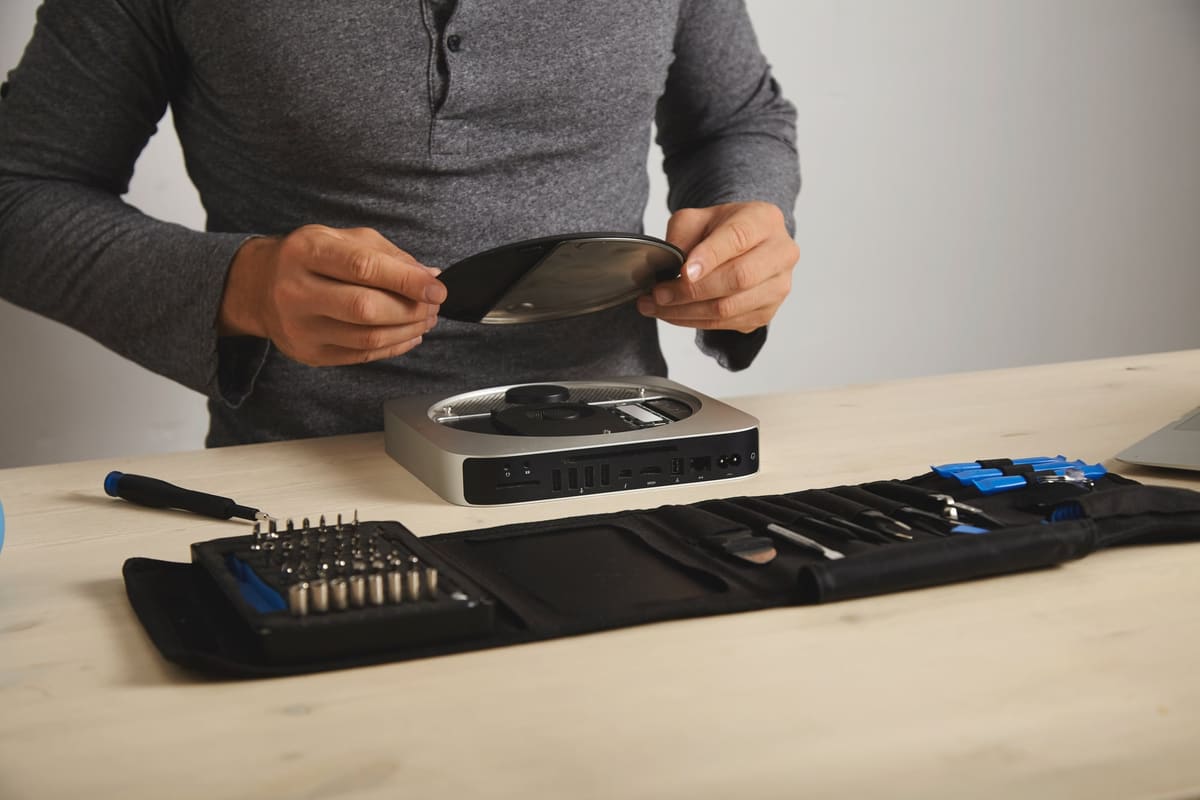
Replacing an old hard drive with a solid-state drive is often the single biggest speed boost an older laptop can get. Here is when it helps and when it cannot.

Laptops
A stiff, creaking or loose hinge can crack the case and damage the display cables. Fixing it early is usually far cheaper than waiting.

Laptops
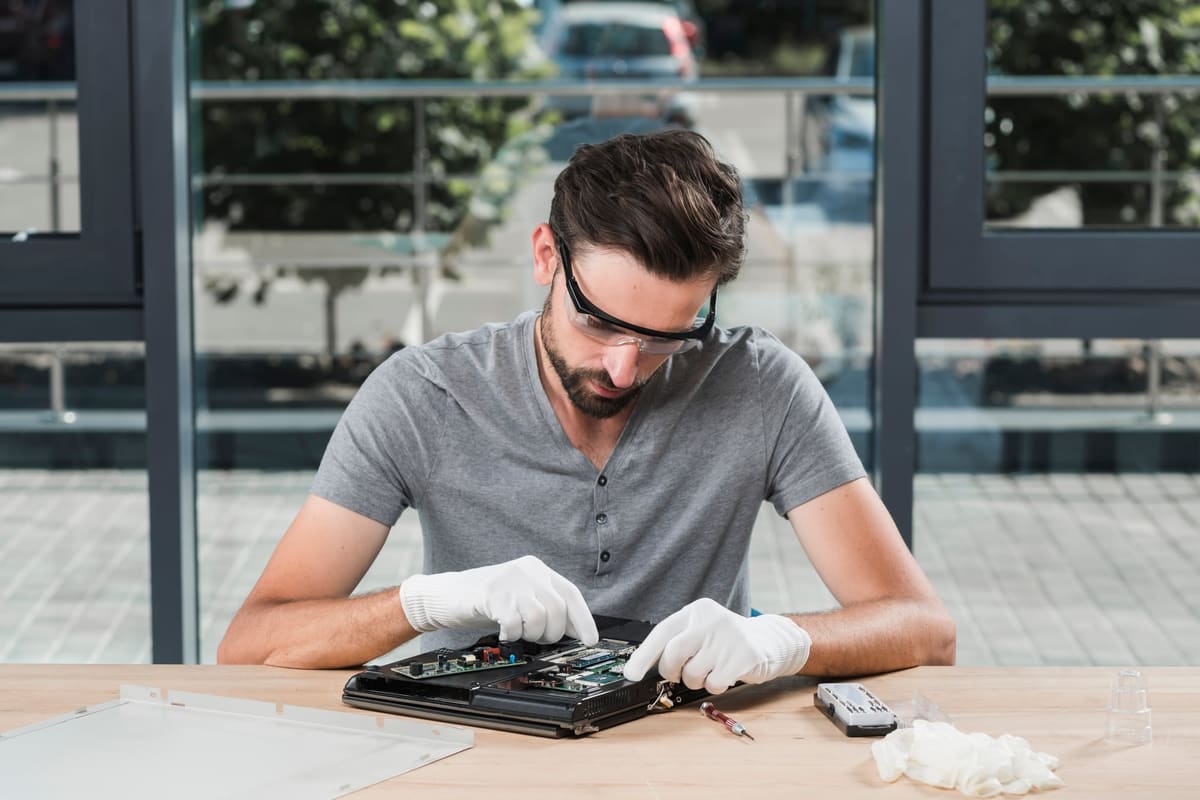
What you do immediately after a spill matters more than anything else. Power off, unplug and resist the urge to check whether it still works.
Laptops
Windows blue screen crashes can be caused by drivers, updates, memory or a failing drive. The stop code and the pattern of crashes help point to the cause.

Gaming
A PS5 that shuts down mid-game is often too hot, but power supply faults and software issues can do the same. Here is how to narrow it down.

Gaming
Stick drift makes your character move or the camera turn on its own. It is caused by wear inside the thumbstick, and a repair is often cheaper than a new controller.

Gaming
An Xbox that powers on but shows nothing on the TV may have a cable, input or display setting problem rather than a broken HDMI port. Rule those out first.

Gaming
Joy-Con drift is common after heavy use. Calibration can help if the fault is mild, but a worn stick needs replacing. Here is how to tell.

Gaming
Disc errors on a PS5 can be caused by the disc, the software or the drive. A few checks, including rebuilding the database, often clear it.
Repair tips
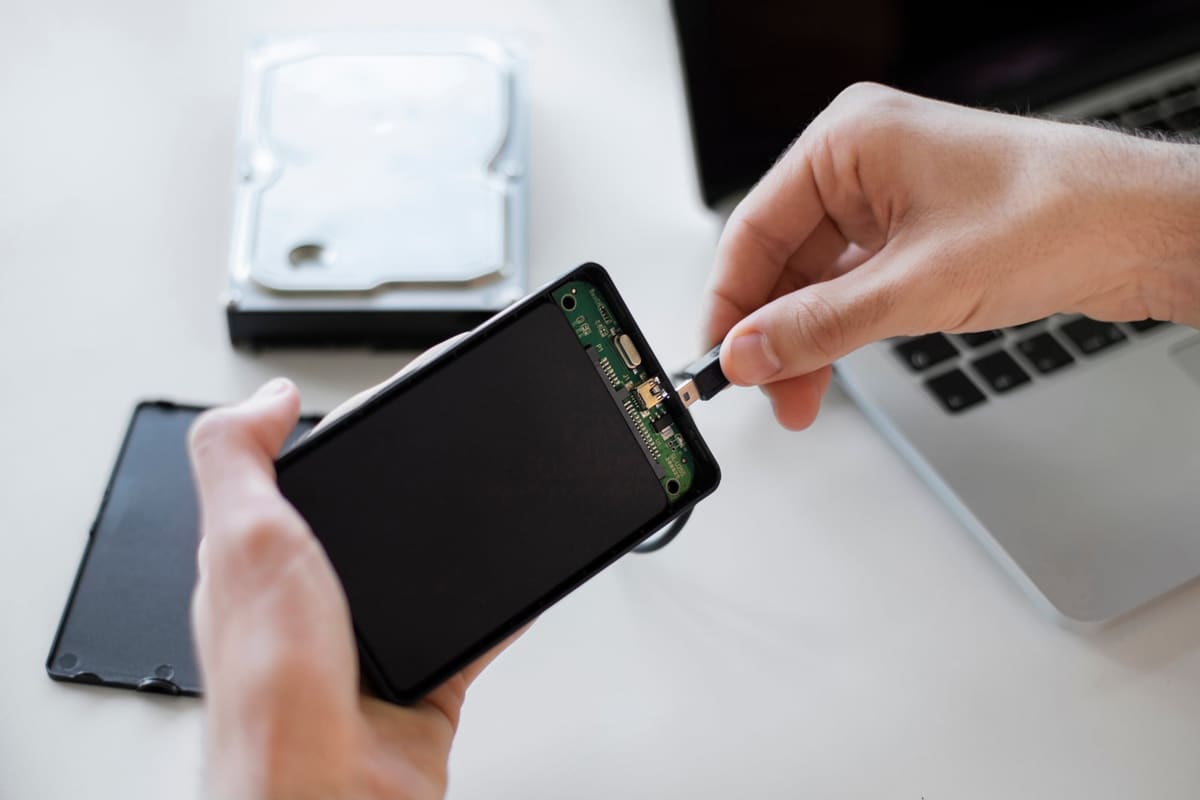
Most repairs do not touch your data, but backing up first means you never have to worry. Here is how to do it on iPhone and Android, including the things people forget.
Repair tips
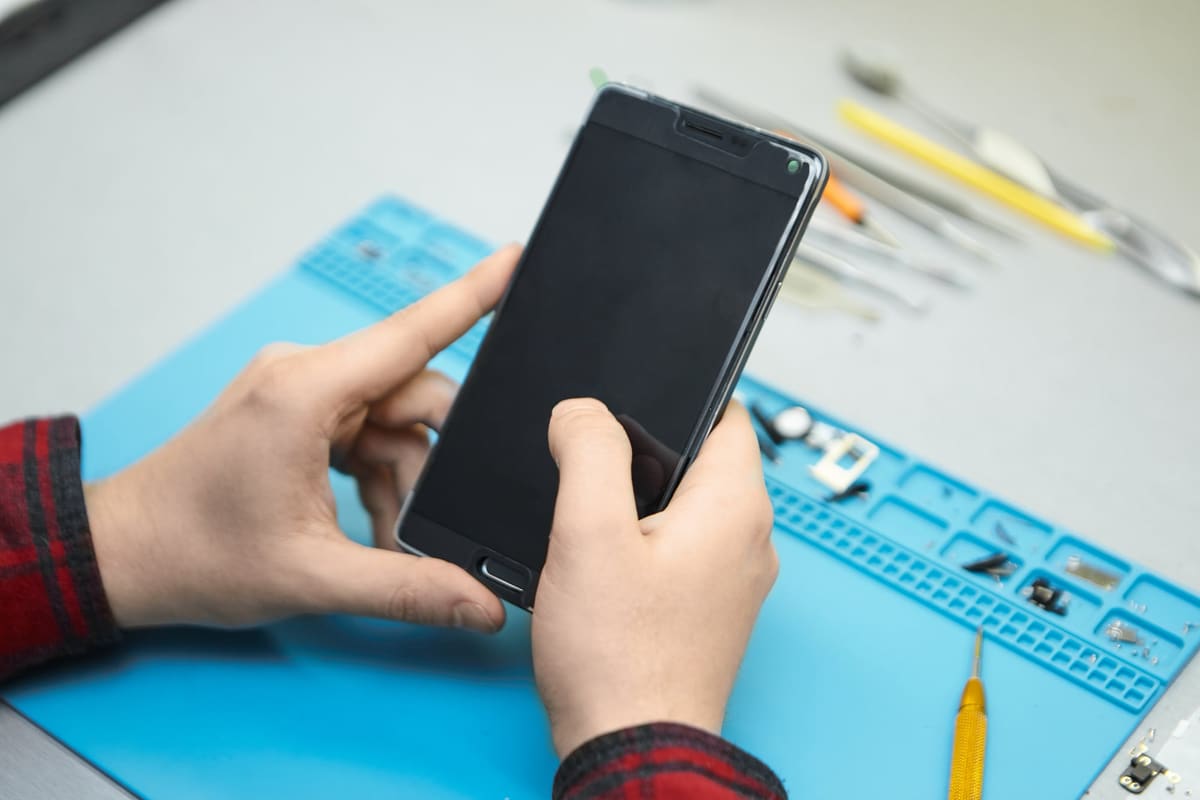
Not sure what is wrong? A diagnostic finds the cause before you commit to a repair. Here is what a repairer usually checks and what to ask.

Repair tips
If your phone is insured, claiming is not always the best value. Compare the excess, the wait and the effect on future premiums with the cost of a repair.
Repair tips
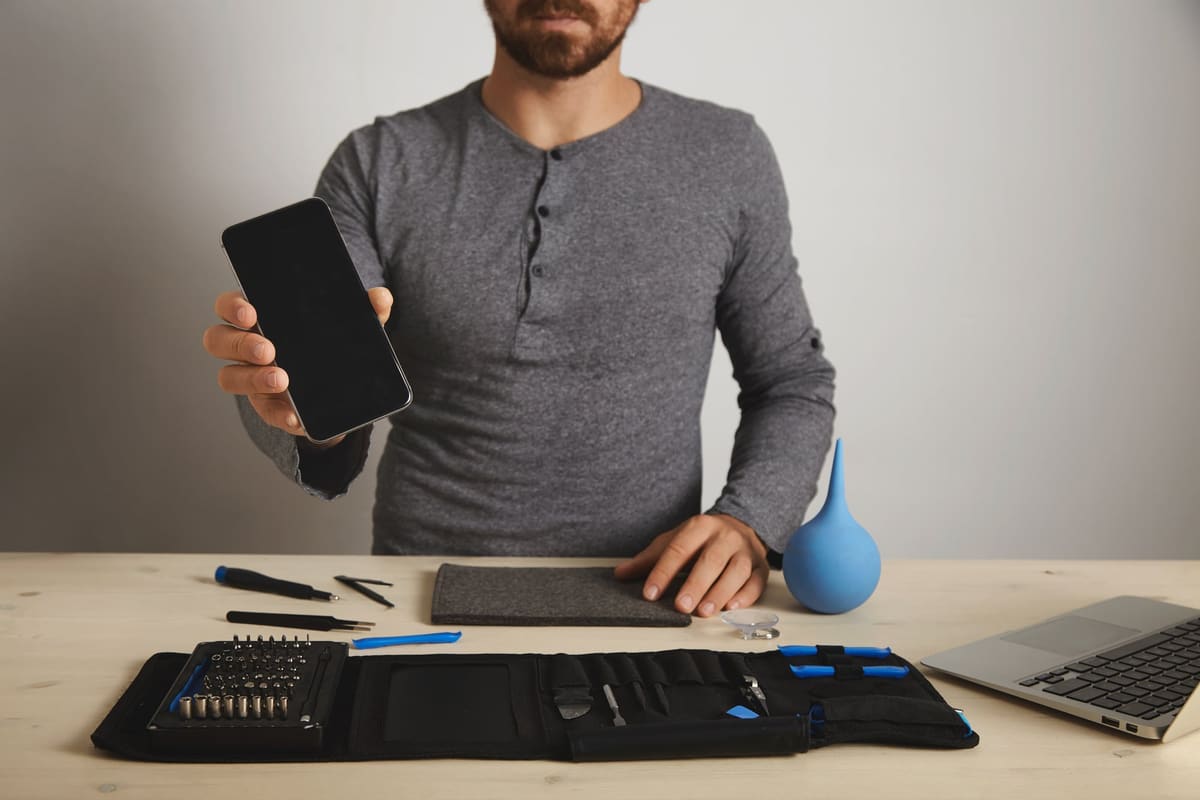
UK consumer law expects repair services to be carried out with reasonable care and skill. Here is what that means, and how a repairer's own warranty works alongside it.
Repair tips
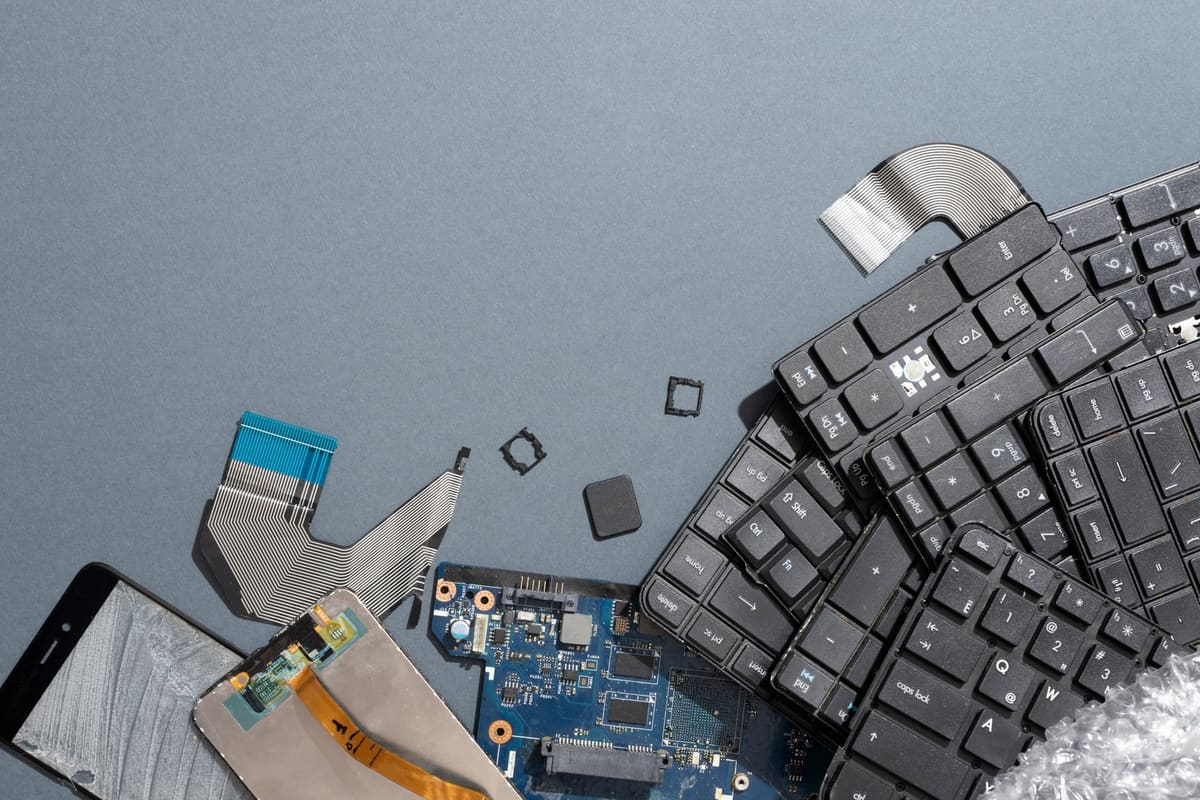
An old phone holds your accounts, photos and payment details. This checklist makes sure nothing goes with it, and that it does not end up in landfill.
Laptops
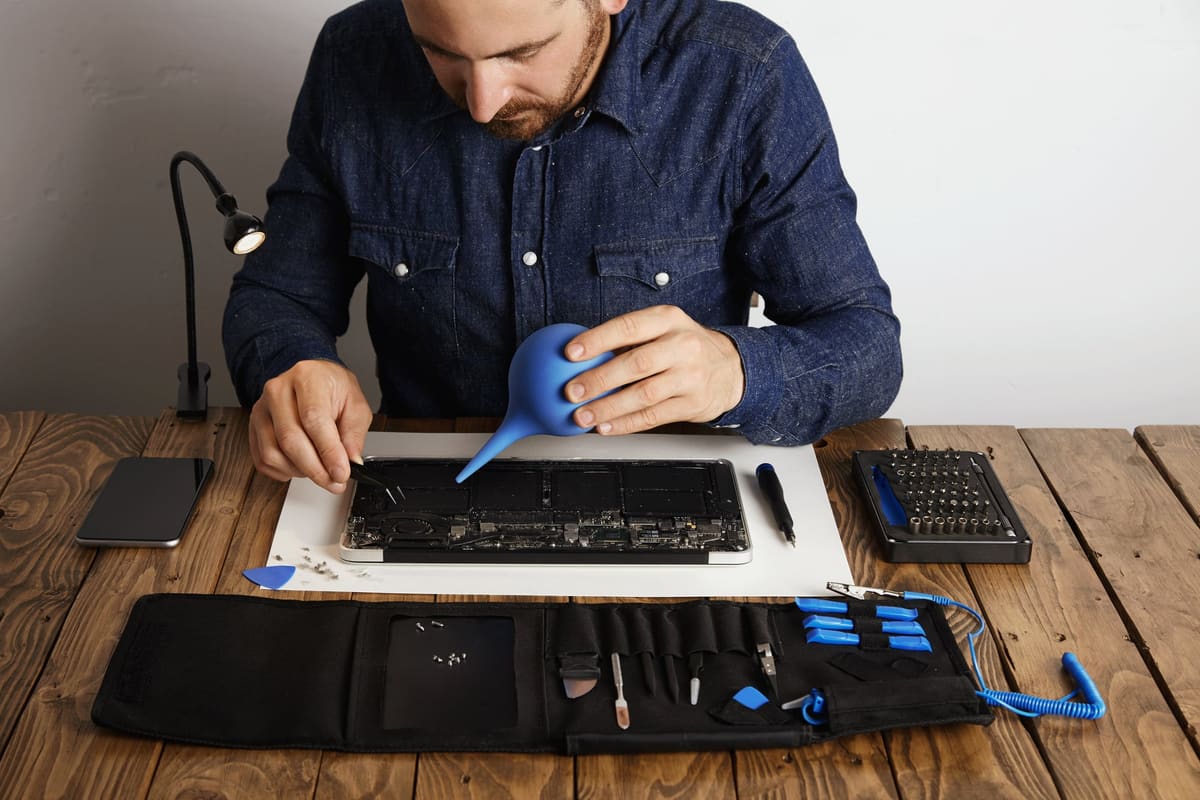
A slow laptop can have several causes. Start with software, available storage and workload before deciding that a component needs replacing.

Repair tips
Back up your phone, note the fault and plan how you will stay in touch while it is being repaired. Keep account passwords and passcodes private.

Gaming
No picture does not prove the PS5 HDMI port is broken. Check the display input, cable and connection before booking a hardware repair.
iPhone
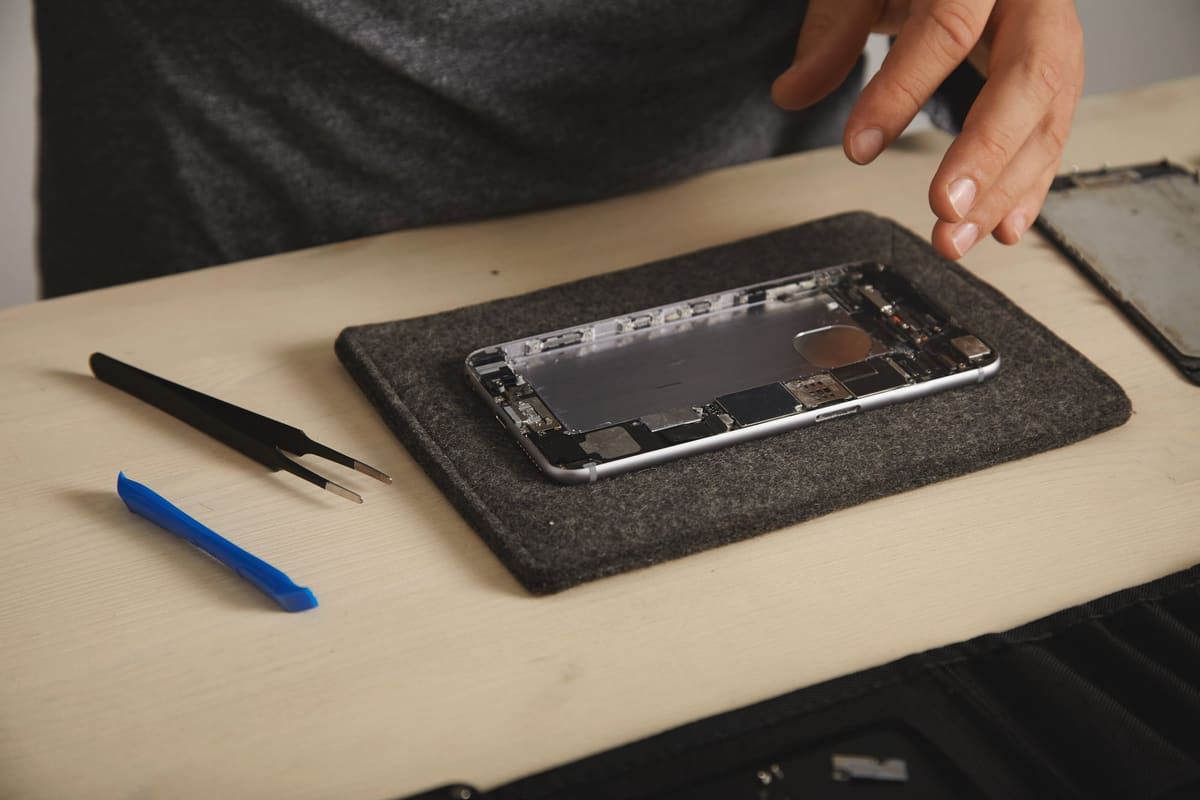
Battery replacement may be worthwhile when your iPhone otherwise meets your needs but no longer lasts long enough. Check battery health and usage before deciding.
Phones
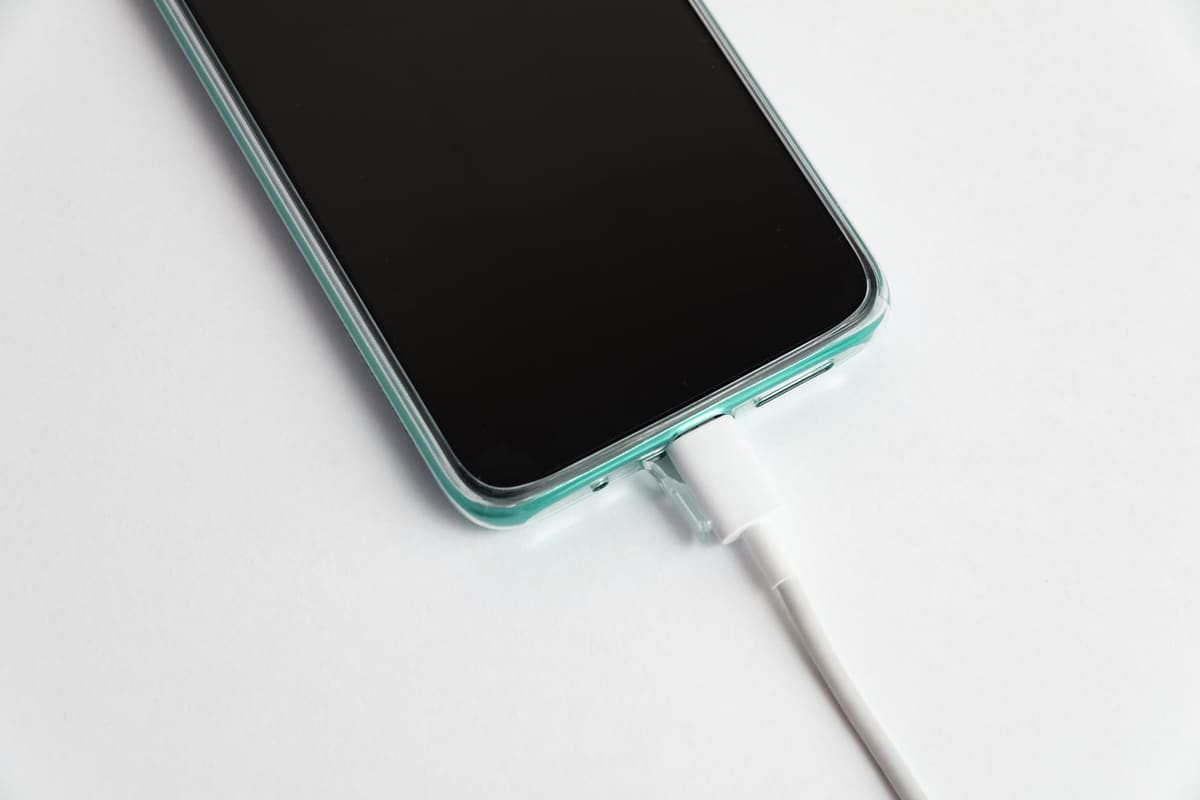
A charging problem may come from the cable, power adapter, socket, settings or the phone itself. Start with the external checks; do not assume the charging port needs replacing.
Phones
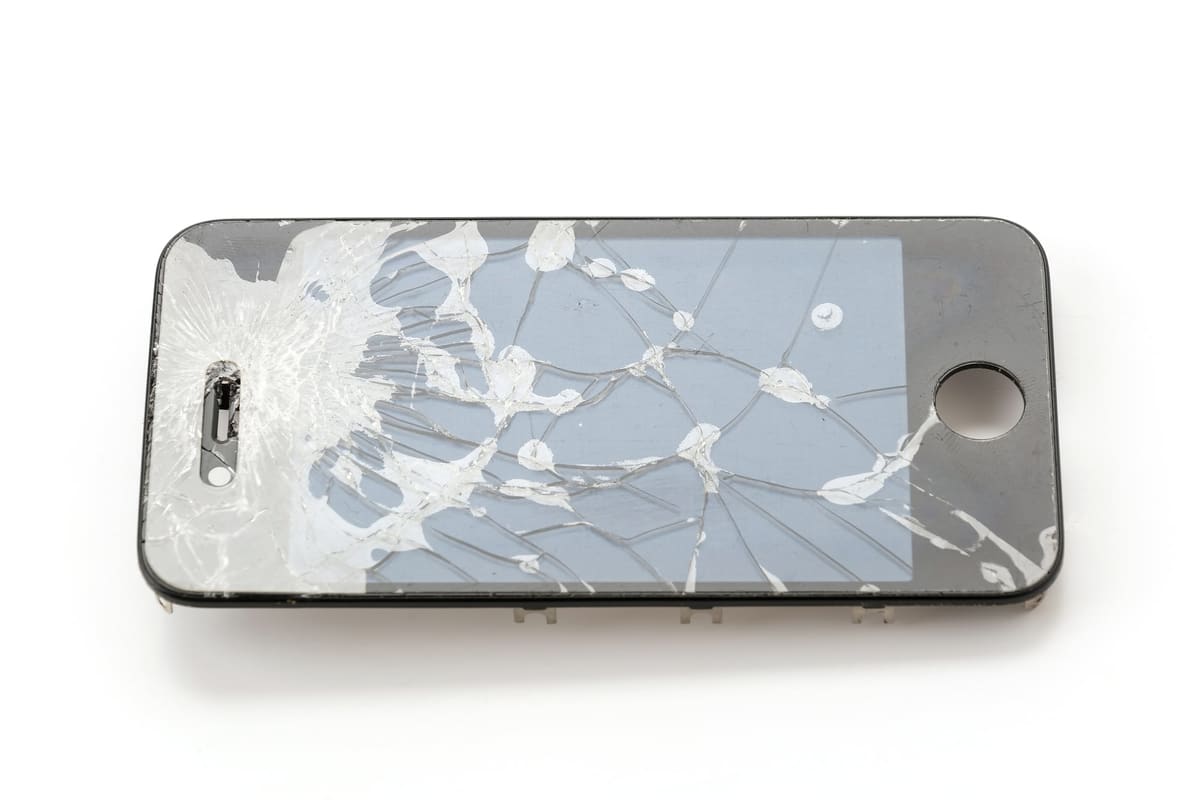
Compare a model-specific screen quote with the condition and usefulness of the whole phone. A cracked screen alone does not mean you need a replacement device.
Try fewer or different words, or ask the Repair Community, where people and verified repair businesses answer questions.
Find a trusted local repair business or book your device in for an assessment.